Comment jouer
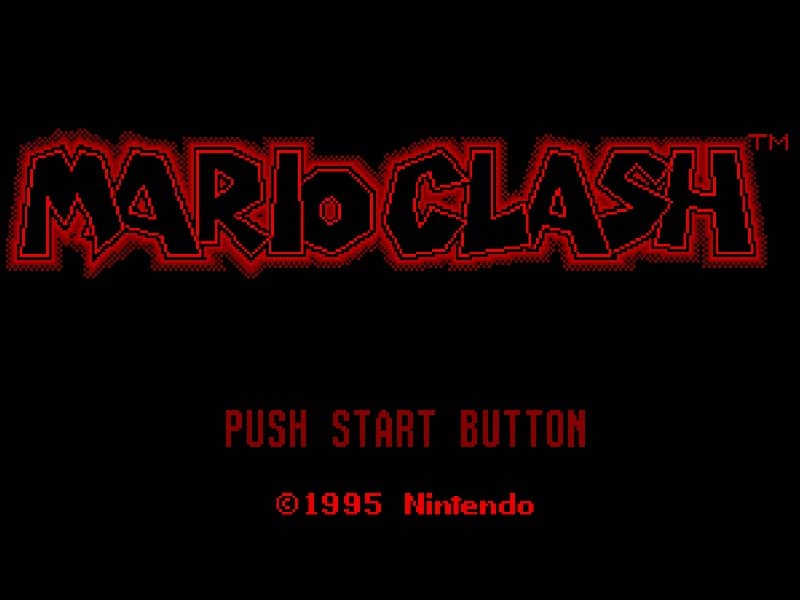
In Mario Clash, you control Mario as he ascends spiral towers across multiple floors. Your primary objective is to defeat all enemies on each stage to proceed. The core gameplay involves picking up Koopa shells that enemies drop and throwing them to hit other foes. You can throw shells straight ahead or at an upward angle to hit enemies on higher floors. Timing and positioning are crucial, as enemies approach from multiple directions and floors. A key strategy is to quickly grab shells and aim carefully, since missed throws leave you vulnerable. The challenge increases as you climb, with faster enemies and more complex tower layouts. Focus on clearing lower floors first to create safe space, then methodically work upward. In tense moments, prioritize dodging incoming attacks while lining up your next throw to maintain control of the stage.
Informations sur le jeu
Jouer à Mario Clash en ligne – FAQ Virtual Boy
Puis-je jouer gratuitement à Mario Clash en ligne ?
Oui. Vous pouvez jouer gratuitement à Mario Clash en ligne dans votre navigateur sur GGEMU, sans téléchargement.
Puis-je jouer à Mario Clash sur mobile ?
Oui. Vous pouvez jouer à Mario Clash avec GGEMU sur mobile comme dans un navigateur sur ordinateur.
Puis-je sauvegarder ma progression dans Mario Clash ?
Oui. Mario Clash prend en charge les sauvegardes instantanées locales sur GGEMU. Les membres GGEMU Premium peuvent également sauvegarder dans le cloud.
Faut-il un émulateur ou du matériel spécial pour jouer à Mario Clash ?
Non. GGEMU exécute Mario Clash dans votre navigateur : vous n'avez besoin ni du matériel Virtual Boy d'origine ni d'un émulateur séparé.
Puis-je jouer à Mario Clash en plein écran ?
Oui. Mario Clash prend en charge le mode plein écran sur GGEMU pour une expérience plus immersive.
Puis-je jouer à Mario Clash avec une manette ?
Oui. Vous pouvez jouer à Mario Clash avec une manette sur GGEMU lorsqu'un modèle compatible est connecté.