Play for Goods
A casual HTML5 shopping game where players collect falling items in their cart while avoiding obstacles.
How to play
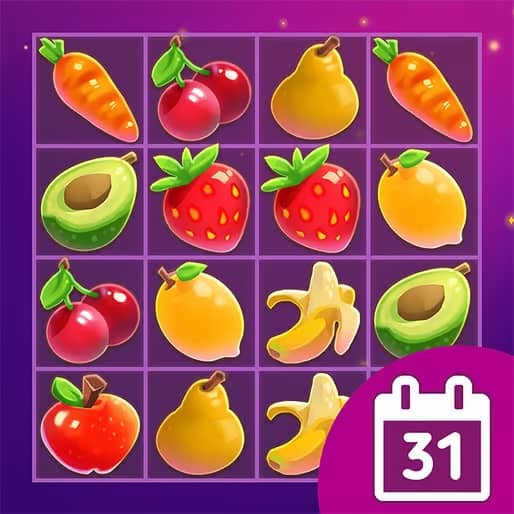
In Play for Goods, your objective is to collect as many desirable items as possible by moving your shopping cart left and right across the bottom of the screen. Items like fruits, toys, and electronics will fall from the top, and you must position your cart to catch them. Be careful to avoid rotten fruits and other negative items that will reduce your score. The game gets progressively faster, requiring quicker reflexes as you advance. Early on, focus on building a steady rhythm and learning the falling patterns of different items. As the pace increases, prioritize catching high-value items while strategically dodging obstacles. During tense moments when the screen fills with falling objects, stay calm and make deliberate movements rather than frantic swipes to maintain control of your cart.
Information
Play Play for Goods Online - HTML5 FAQ
Can I play Play for Goods online for free?
Yes. You can play Play for Goods online for free in your browser on GGEMU, with no download required.
Can I play Play for Goods on mobile?
Yes. You can play Play for Goods on mobile devices and desktop browsers through GGEMU.
Can I save my progress in Play for Goods?
Play for Goods does not currently support GGEMU save states. If the game includes its own save feature, you can use that instead.
Do I need an emulator or special hardware to play Play for Goods?
No. Play for Goods runs directly in your browser on GGEMU, with no extra hardware or software required.
Can I play Play for Goods in fullscreen mode?
Yes. Play for Goods supports fullscreen mode on GGEMU for a more immersive experience.
Can I play Play for Goods with a gamepad or controller?
Yes. Play for Goods supports gamepad controls on GGEMU when a compatible controller is connected.