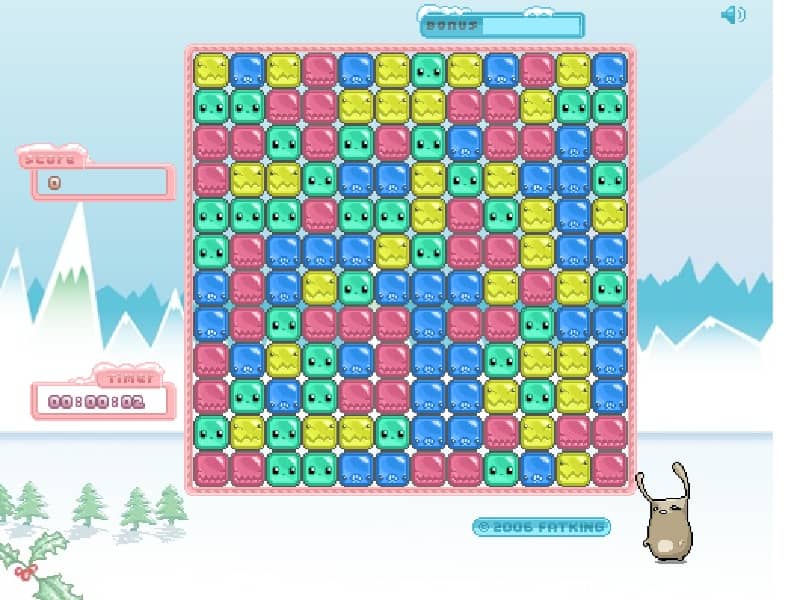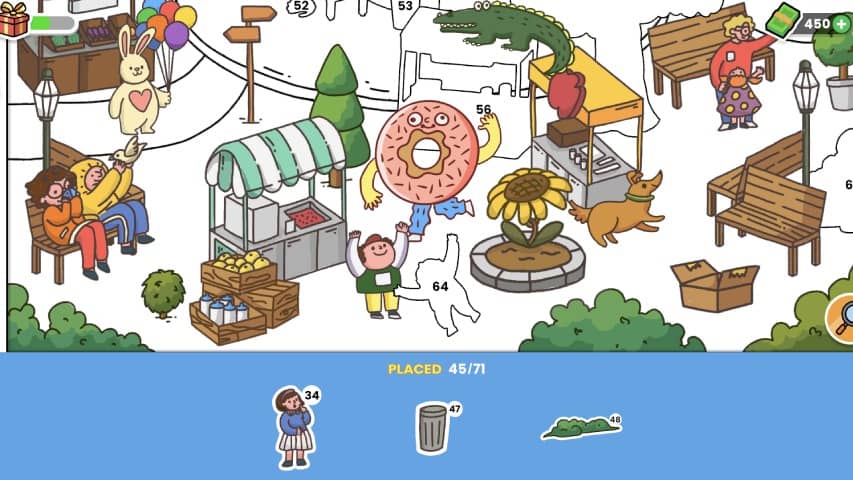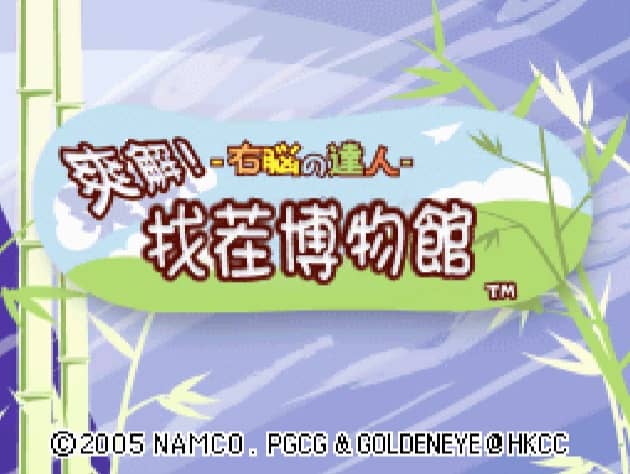
How to play
In Quick Spot, the primary objective is to identify the differences between two seemingly identical images displayed on the Nintendo DS screens. Using the DS stylus on the bottom touch screen, tap directly on the discrepancies, which can range from color changes and missing objects to entirely different items. You must work quickly as you are playing against a timer, with each correct find advancing you to the next puzzle and incorrect guesses penalizing your remaining time. To succeed in the fast-paced modes, focus on scanning the images systematically rather than looking at them as a whole. Start by comparing large shapes, then quickly move to smaller details and background elements. In tense moments when the timer is running low, avoid random guessing, as the time penalty for mistakes can quickly end your run. Instead, maintain a steady rhythm of scanning and precise tapping to build up your score multipliers.
Information
Play Quick Spot Online - Nintendo DS - FAQ
Can I play Quick Spot online for free?
Yes. Quick Spot is 100% free to play in your browser on GGEMU.
Does Quick Spot work on mobile?
Yes. Quick Spot works on both mobile devices and desktop browsers on GGEMU.
Can I save progress?
Quick Spot supports local save states on GGEMU. Cloud saves are also available for GGEMU Premium members.
Do I need special hardware or software?
No. GGEMU runs Quick Spot in your browser, so you do not need original Nintendo DS hardware or a separate emulator setup.
Can I play Quick Spot in Fullscreen mode?
Yes. Quick Spot supports fullscreen mode on GGEMU for a more immersive play experience.
Does Quick Spot support Gamepad?
Yes. Quick Spot supports gamepad controls on GGEMU when a compatible controller is connected.