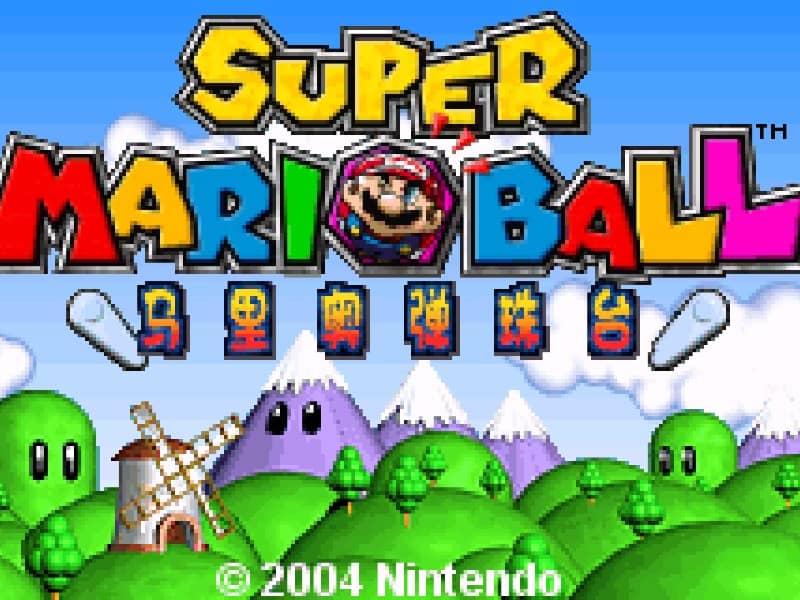
How to play
The goal of Super Mario Ball is to clear the board of all colored orbs by matching three or more of the same color. You control a cannon at the bottom of the screen that holds a colored orb. Aim using the directional pad and press a button to shoot the orb into the playfield. When the orb connects with a chain of two or more matching colors, they will pop and clear from the board. New rows of orbs will periodically push down from the top, so you must clear chains quickly to prevent the stack from reaching the bottom. Early on, focus on creating chain reactions by aiming for clusters of the same color. In the middle of a run, look for opportunities to use special orbs or clear large sections to buy yourself time. During tense moments when the stack is near the bottom, prioritize making quick matches to push the rows back and avoid a game over.
Information
Play Super Mario Ball Online - Game Boy Advance FAQ
Can I play Super Mario Ball online for free?
Yes. You can play Super Mario Ball online for free in your browser on GGEMU, with no download required.
Can I play Super Mario Ball on mobile?
Yes. You can play Super Mario Ball on mobile devices and desktop browsers through GGEMU.
Can I save my progress in Super Mario Ball?
Yes. Super Mario Ball supports local save states on GGEMU. Cloud saves are also available to GGEMU Premium members.
Do I need an emulator or special hardware to play Super Mario Ball?
No. GGEMU runs Super Mario Ball in your browser, so you do not need original Game Boy Advance hardware or a separate emulator.
Can I play Super Mario Ball in fullscreen mode?
Yes. Super Mario Ball supports fullscreen mode on GGEMU for a more immersive experience.
Can I play Super Mario Ball with a gamepad or controller?
Yes. Super Mario Ball supports gamepad controls on GGEMU when a compatible controller is connected.