Comment jouer
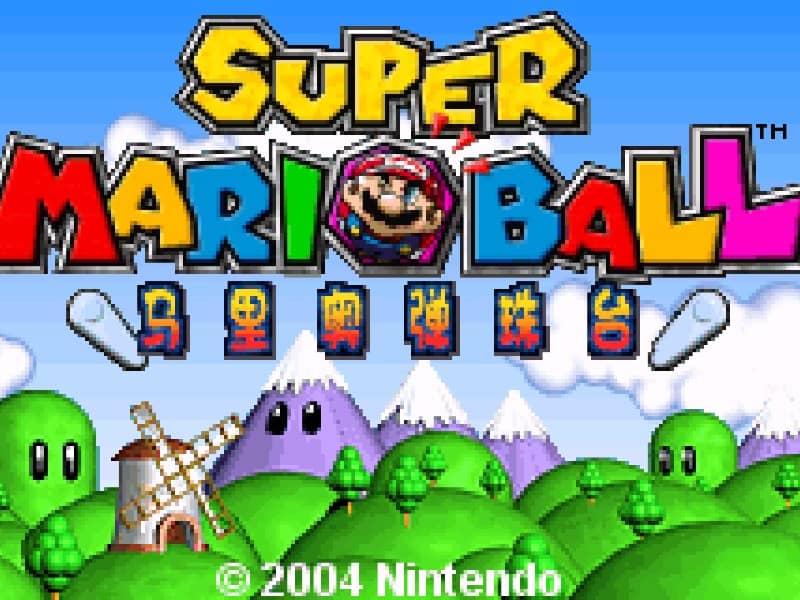
The goal of Super Mario Ball is to clear the board of all colored orbs by matching three or more of the same color. You control a cannon at the bottom of the screen that holds a colored orb. Aim using the directional pad and press a button to shoot the orb into the playfield. When the orb connects with a chain of two or more matching colors, they will pop and clear from the board. New rows of orbs will periodically push down from the top, so you must clear chains quickly to prevent the stack from reaching the bottom. Early on, focus on creating chain reactions by aiming for clusters of the same color. In the middle of a run, look for opportunities to use special orbs or clear large sections to buy yourself time. During tense moments when the stack is near the bottom, prioritize making quick matches to push the rows back and avoid a game over.
Informations sur le jeu
Jouer à Super Mario Ball en ligne – FAQ Game Boy Advance
Puis-je jouer gratuitement à Super Mario Ball en ligne ?
Oui. Vous pouvez jouer gratuitement à Super Mario Ball en ligne dans votre navigateur sur GGEMU, sans téléchargement.
Puis-je jouer à Super Mario Ball sur mobile ?
Oui. Vous pouvez jouer à Super Mario Ball avec GGEMU sur mobile comme dans un navigateur sur ordinateur.
Puis-je sauvegarder ma progression dans Super Mario Ball ?
Oui. Super Mario Ball prend en charge les sauvegardes instantanées locales sur GGEMU. Les membres GGEMU Premium peuvent également sauvegarder dans le cloud.
Faut-il un émulateur ou du matériel spécial pour jouer à Super Mario Ball ?
Non. GGEMU exécute Super Mario Ball dans votre navigateur : vous n'avez besoin ni du matériel Game Boy Advance d'origine ni d'un émulateur séparé.
Puis-je jouer à Super Mario Ball en plein écran ?
Oui. Super Mario Ball prend en charge le mode plein écran sur GGEMU pour une expérience plus immersive.
Puis-je jouer à Super Mario Ball avec une manette ?
Oui. Vous pouvez jouer à Super Mario Ball avec une manette sur GGEMU lorsqu'un modèle compatible est connecté.