How to play
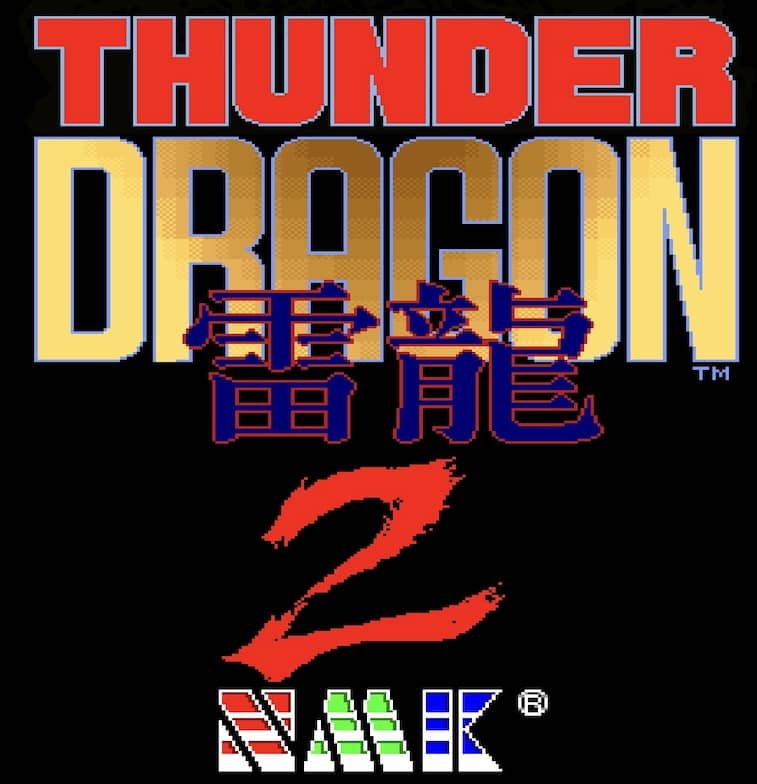
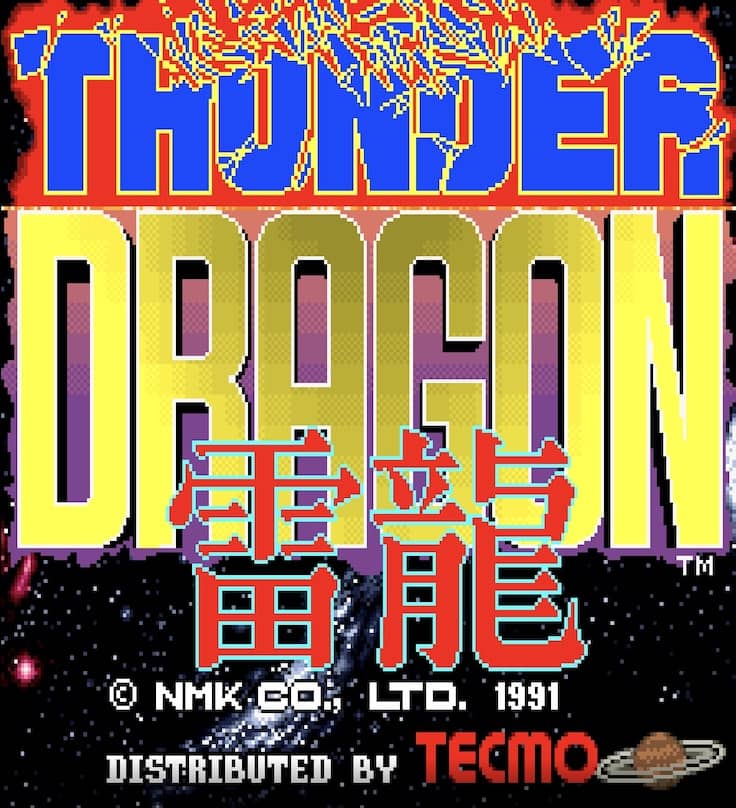
In Thunder Dragon, you control a lone fighter ship tasked with destroying enemy forces across multiple stages. Your primary weapon is a forward-firing shot that can be powered up by collecting P icons dropped by certain enemies. Power-ups cycle through different weapon types, including a spread shot, laser, and homing missiles, each with distinct advantages. You also have a limited supply of screen-clearing bombs to use in emergencies when overwhelmed. The core objective is to survive each stage by dodging intricate enemy bullet patterns while dealing enough damage to defeat the stage boss. As a beginner, focus on memorizing enemy spawn locations and prioritizing power-ups to increase your firepower. The challenge rhythm is fast and relentless, with later stages requiring precise movement and strategic bomb usage. During tense moments, such as boss fights, concentrate on finding safe spots in the bullet patterns and timing your attacks carefully.
Information
Play Thunder Dragon Online - Arcade FAQ
Can I play Thunder Dragon online for free?
Yes. You can play Thunder Dragon online for free in your browser on GGEMU, with no download required.
Can I play Thunder Dragon on mobile?
Yes. You can play Thunder Dragon on mobile devices and desktop browsers through GGEMU.
Can I save my progress in Thunder Dragon?
Yes. Thunder Dragon supports local save states on GGEMU. Cloud saves are also available to GGEMU Premium members.
Do I need an emulator or special hardware to play Thunder Dragon?
No. GGEMU runs Thunder Dragon in your browser, so you do not need original Arcade hardware or a separate emulator.
Can I play Thunder Dragon in fullscreen mode?
Yes. Thunder Dragon supports fullscreen mode on GGEMU for a more immersive experience.
Can I play Thunder Dragon with a gamepad or controller?
Yes. Thunder Dragon supports gamepad controls on GGEMU when a compatible controller is connected.