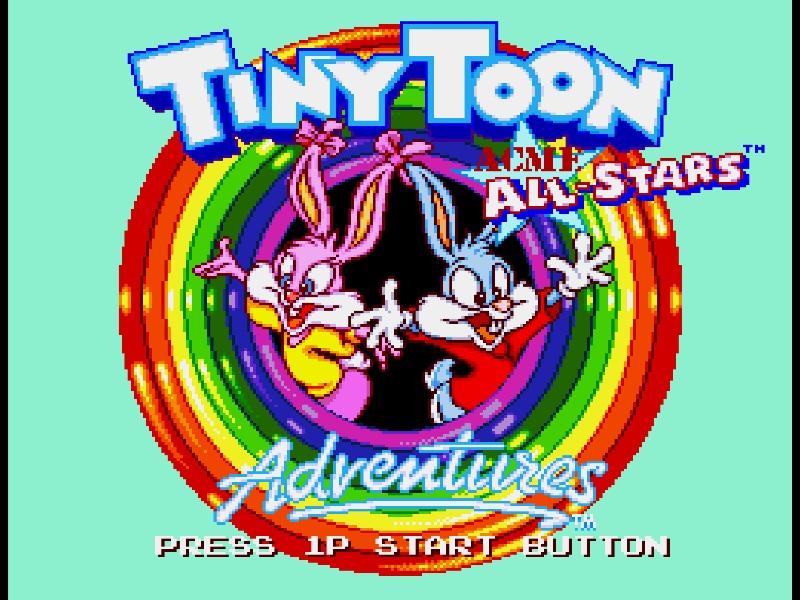
Uploaded by 大帅
How to play
Choose a Tiny Toon character and compete in a series of wacky sporting events such as the 100-meter dash, hurdles, long jump, and more. Each event has simple controls: use the D-pad to build speed, press the action button to jump or perform the required action, and time your inputs to maximize performance. The goal is to earn the highest score or fastest time across all events. In the early events, focus on mastering the timing for jumps and dashes. In the middle events, learn the specific button combinations for each sport, such as alternating button presses for running or holding a direction for a power move. During tense moments, stay calm and watch for visual cues that indicate when to act. Practice each event to improve your rhythm and consistency, and remember that some events allow you to interfere with opponents for an advantage.
Information
Play Tiny Toon Adventures: ACME All-Stars Online - Genesis FAQ
Can I play Tiny Toon Adventures: ACME All-Stars online for free?
Yes. You can play Tiny Toon Adventures: ACME All-Stars online for free in your browser on GGEMU, with no download required.
Can I play Tiny Toon Adventures: ACME All-Stars on mobile?
Yes. You can play Tiny Toon Adventures: ACME All-Stars on mobile devices and desktop browsers through GGEMU.
Can I save my progress in Tiny Toon Adventures: ACME All-Stars?
Yes. Tiny Toon Adventures: ACME All-Stars supports local save states on GGEMU. Cloud saves are also available to GGEMU Premium members.
Do I need an emulator or special hardware to play Tiny Toon Adventures: ACME All-Stars?
No. GGEMU runs Tiny Toon Adventures: ACME All-Stars in your browser, so you do not need original Genesis hardware or a separate emulator.
Can I play Tiny Toon Adventures: ACME All-Stars in fullscreen mode?
Yes. Tiny Toon Adventures: ACME All-Stars supports fullscreen mode on GGEMU for a more immersive experience.
Can I play Tiny Toon Adventures: ACME All-Stars with a gamepad or controller?
Yes. Tiny Toon Adventures: ACME All-Stars supports gamepad controls on GGEMU when a compatible controller is connected.