Mis en ligne par 大帅
Comment jouer
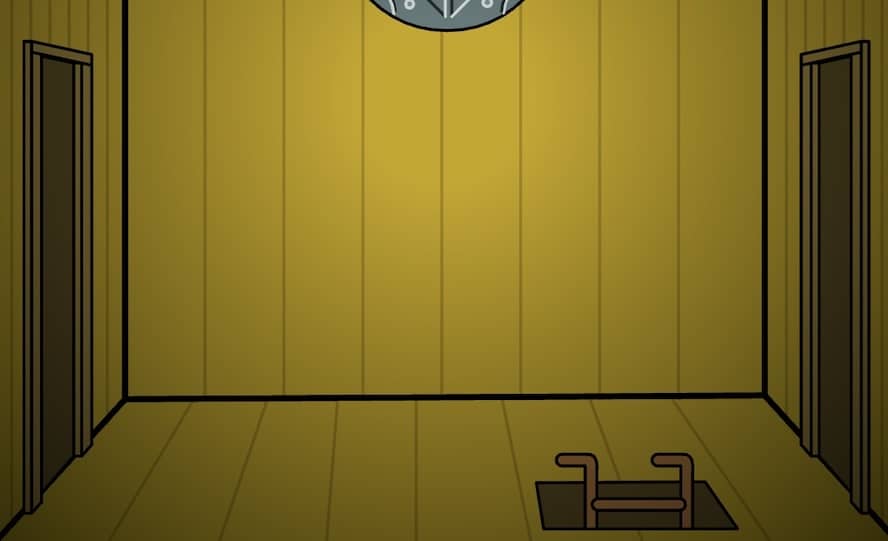
Players navigate the interior of the mill by clicking on the edges of the screen to rotate their view or move between different floors. The primary objective is to interact with the environment to find hidden items, solve mechanical puzzles, and follow a specific sequence of events to extract memories from a body. Use the mouse to click on objects to pick them up, then select them from the inventory sidebar to apply them to interactive elements in the room, such as the stove, the water wheel, or the telescope. Success requires keen observation and the ability to connect abstract clues found in letters, drawings, and the environment. In the early stages, focus on collecting basic resources like wood and matches to power the mill's machinery. As you progress, the puzzles become more complex, requiring you to decipher codes and manipulate time. Pay close attention to the telephone and the telescope for hints that drive the narrative forward and reveal the next steps in the extraction process.
Informations sur le jeu
Jouer à Cube Escape: The Mill en ligne – FAQ FLASH
Puis-je jouer gratuitement à Cube Escape: The Mill en ligne ?
Oui. Vous pouvez jouer gratuitement à Cube Escape: The Mill en ligne dans votre navigateur sur GGEMU, sans téléchargement.
Puis-je jouer à Cube Escape: The Mill sur mobile ?
Oui. Vous pouvez jouer à Cube Escape: The Mill avec GGEMU sur mobile comme dans un navigateur sur ordinateur.
Puis-je sauvegarder ma progression dans Cube Escape: The Mill ?
Cube Escape: The Mill ne prend pas encore en charge les sauvegardes instantanées de GGEMU. Si le jeu possède sa propre fonction de sauvegarde, vous pouvez l'utiliser.
Faut-il un émulateur ou du matériel spécial pour jouer à Cube Escape: The Mill ?
Non. Cube Escape: The Mill fonctionne directement dans votre navigateur sur GGEMU, sans matériel ni logiciel supplémentaire.
Puis-je jouer à Cube Escape: The Mill en plein écran ?
Oui. Cube Escape: The Mill prend en charge le mode plein écran sur GGEMU pour une expérience plus immersive.
Puis-je jouer à Cube Escape: The Mill avec une manette ?
Oui. Vous pouvez jouer à Cube Escape: The Mill avec une manette sur GGEMU lorsqu'un modèle compatible est connecté.