Mis en ligne par 大帅
Comment jouer
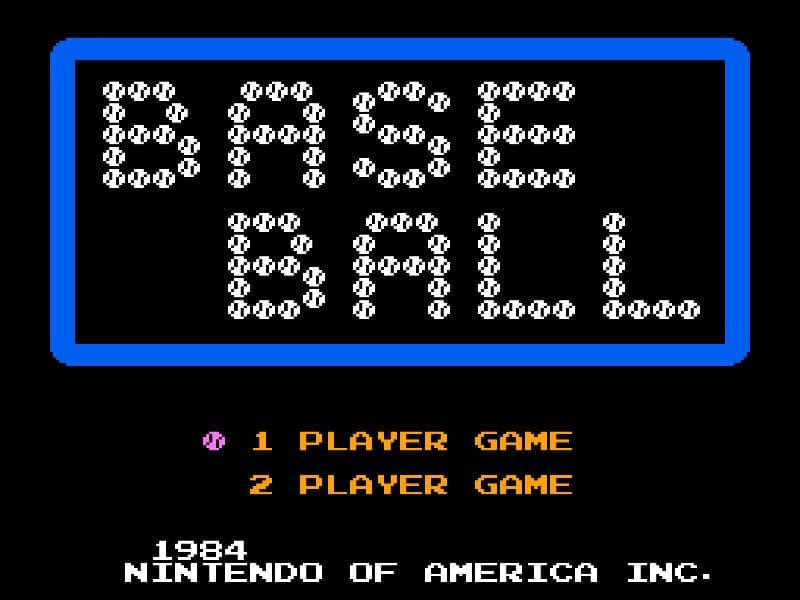
In Baseball for the Famicom, you control a full baseball team during a nine-inning game. As the batting team, your goal is to score runs by hitting the ball and running the bases. Time your swing with the A button when the pitch arrives to make contact. A well-timed hit can result in a single, double, triple, or even a home run. After hitting, use the D-pad to control your runner's advancement around the bases. As the fielding team, you pitch by selecting a type of pitch with the D-pad and throwing with the B button. After the ball is hit, you automatically control the fielder nearest to the ball. Press the A button to throw to a base to try to get the runner out. Early on, focus on learning the timing for batting and the basic controls for fielding. In the middle innings, pay attention to the opposing team's pitching patterns and position your fielders wisely. During tense moments, such as with bases loaded, concentrate on making solid contact at the plate or executing quick, accurate throws in the field to prevent runs.
Informations sur le jeu
Jouer à Baseball en ligne – FAQ Famicom
Puis-je jouer gratuitement à Baseball en ligne ?
Oui. Vous pouvez jouer gratuitement à Baseball en ligne dans votre navigateur sur GGEMU, sans téléchargement.
Puis-je jouer à Baseball sur mobile ?
Oui. Vous pouvez jouer à Baseball avec GGEMU sur mobile comme dans un navigateur sur ordinateur.
Puis-je sauvegarder ma progression dans Baseball ?
Oui. Baseball prend en charge les sauvegardes instantanées locales sur GGEMU. Les membres GGEMU Premium peuvent également sauvegarder dans le cloud.
Faut-il un émulateur ou du matériel spécial pour jouer à Baseball ?
Non. GGEMU exécute Baseball dans votre navigateur : vous n'avez besoin ni du matériel Famicom d'origine ni d'un émulateur séparé.
Puis-je jouer à Baseball en plein écran ?
Oui. Baseball prend en charge le mode plein écran sur GGEMU pour une expérience plus immersive.
Puis-je jouer à Baseball avec une manette ?
Oui. Vous pouvez jouer à Baseball avec une manette sur GGEMU lorsqu'un modèle compatible est connecté.