Comment jouer
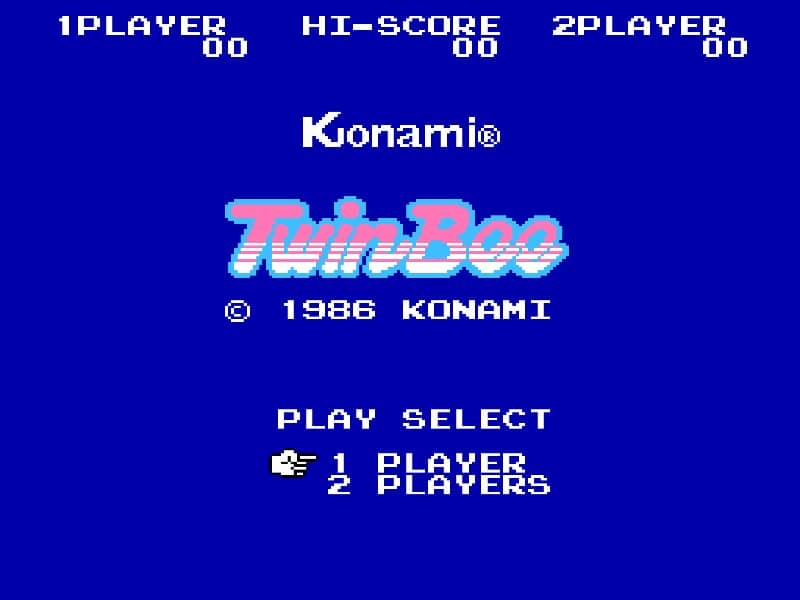
In TwinBee, you pilot a small ship that automatically scrolls upward. Your primary weapon is a rapid-fire gun, but the core mechanic involves shooting floating bells that descend from the top of the screen. Hitting a bell once changes its color, and hitting it multiple times cycles through different power-ups, such as speed boosts, options (wingmen), and shields. The objective is to survive through multiple stages, defeating waves of enemy ships and end-level bosses. As a beginner, focus on learning the bell color patterns: yellow bells provide points, blue bells grant speed, and red bells give you a powerful 3-way shot. Your main challenge is dodging enemy fire while strategically positioning yourself to collect the most useful power-ups. During tense moments, especially boss fights, prioritize movement and evasion over aggressive shooting, using your options to cover a wider attack area. The game has a steady rhythm of enemy waves punctuated by more difficult mid-boss and boss encounters.
Informations sur le jeu
Jouer à TwinBee en ligne – FAQ Famicom
Puis-je jouer gratuitement à TwinBee en ligne ?
Oui. Vous pouvez jouer gratuitement à TwinBee en ligne dans votre navigateur sur GGEMU, sans téléchargement.
Puis-je jouer à TwinBee sur mobile ?
Oui. Vous pouvez jouer à TwinBee avec GGEMU sur mobile comme dans un navigateur sur ordinateur.
Puis-je sauvegarder ma progression dans TwinBee ?
Oui. TwinBee prend en charge les sauvegardes instantanées locales sur GGEMU. Les membres GGEMU Premium peuvent également sauvegarder dans le cloud.
Faut-il un émulateur ou du matériel spécial pour jouer à TwinBee ?
Non. GGEMU exécute TwinBee dans votre navigateur : vous n'avez besoin ni du matériel Famicom d'origine ni d'un émulateur séparé.
Puis-je jouer à TwinBee en plein écran ?
Oui. TwinBee prend en charge le mode plein écran sur GGEMU pour une expérience plus immersive.
Puis-je jouer à TwinBee avec une manette ?
Oui. Vous pouvez jouer à TwinBee avec une manette sur GGEMU lorsqu'un modèle compatible est connecté.