Caricato da 大帅
Come giocare
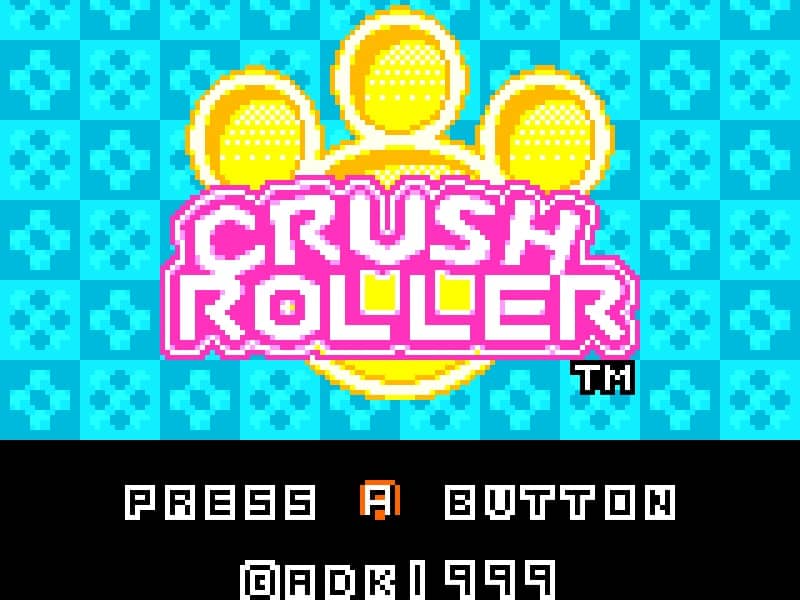
In Crush Roller, your objective is to paint at least 80% of the maze floor by rolling over it while avoiding enemy characters that patrol the board. You control a paint roller that moves along a grid-based maze, leaving a colored trail behind you. The core gameplay involves strategic path planning to efficiently cover the maze while evading enemies that will end your run if they touch you. Use the directional controls to navigate the maze, painting as much of the floor as possible. Some maze layouts contain power-ups that temporarily allow you to defeat enemies or gain speed advantages. The challenge increases as you progress through levels, with more complex maze designs and faster enemy movements requiring careful timing and route optimization. Focus on painting large open areas first while keeping escape routes clear, and use corners and maze walls strategically to avoid being trapped by pursuing enemies.
Informazioni sul gioco
Gioca a Crush Roller online - FAQ Neo Geo Pocket Color
Posso giocare gratis a Crush Roller online?
Sì. Puoi giocare gratis a Crush Roller online nel browser su GGEMU, senza scaricare nulla.
Posso giocare a Crush Roller su smartphone?
Sì. Puoi giocare a Crush Roller tramite GGEMU sia sui dispositivi mobili sia nei browser desktop.
Posso salvare i progressi in Crush Roller?
Sì. Crush Roller supporta gli stati di salvataggio locali su GGEMU. I membri di GGEMU Premium possono anche salvare nel cloud.
Mi servono un emulatore o hardware speciale per giocare a Crush Roller?
No. GGEMU esegue Crush Roller nel tuo browser, quindi non servono l'hardware originale Neo Geo Pocket Color o un emulatore separato.
Posso giocare a Crush Roller a schermo intero?
Sì. Crush Roller supporta la modalità a schermo intero su GGEMU per un'esperienza più coinvolgente.
Posso giocare a Crush Roller con un gamepad o controller?
Sì. Se colleghi un controller compatibile, puoi usare il gamepad per giocare a Crush Roller su GGEMU.