Comment jouer
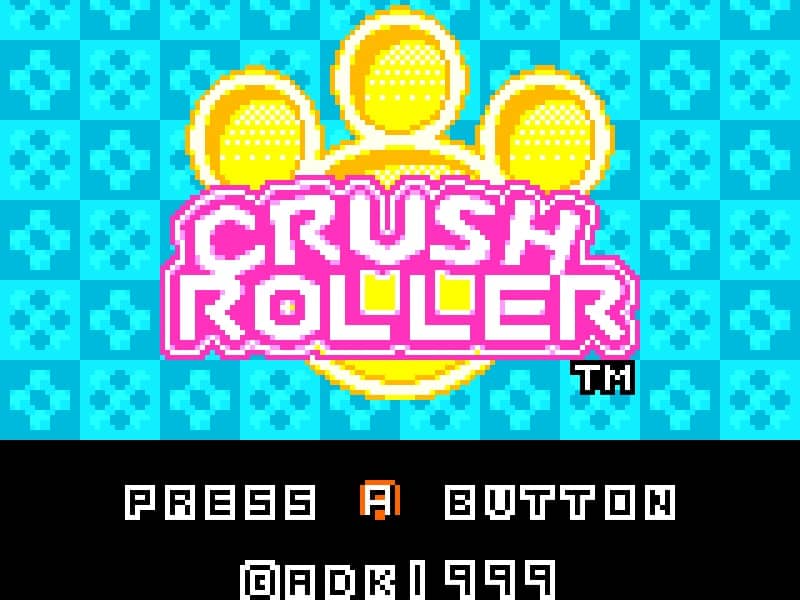
In Crush Roller, your objective is to paint at least 80% of the maze floor by rolling over it while avoiding enemy characters that patrol the board. You control a paint roller that moves along a grid-based maze, leaving a colored trail behind you. The core gameplay involves strategic path planning to efficiently cover the maze while evading enemies that will end your run if they touch you. Use the directional controls to navigate the maze, painting as much of the floor as possible. Some maze layouts contain power-ups that temporarily allow you to defeat enemies or gain speed advantages. The challenge increases as you progress through levels, with more complex maze designs and faster enemy movements requiring careful timing and route optimization. Focus on painting large open areas first while keeping escape routes clear, and use corners and maze walls strategically to avoid being trapped by pursuing enemies.
Informations sur le jeu
Jouer à Crush Roller en ligne – FAQ Neo Geo Pocket Color
Puis-je jouer gratuitement à Crush Roller en ligne ?
Oui. Vous pouvez jouer gratuitement à Crush Roller en ligne dans votre navigateur sur GGEMU, sans téléchargement.
Puis-je jouer à Crush Roller sur mobile ?
Oui. Vous pouvez jouer à Crush Roller avec GGEMU sur mobile comme dans un navigateur sur ordinateur.
Puis-je sauvegarder ma progression dans Crush Roller ?
Oui. Crush Roller prend en charge les sauvegardes instantanées locales sur GGEMU. Les membres GGEMU Premium peuvent également sauvegarder dans le cloud.
Faut-il un émulateur ou du matériel spécial pour jouer à Crush Roller ?
Non. GGEMU exécute Crush Roller dans votre navigateur : vous n'avez besoin ni du matériel Neo Geo Pocket Color d'origine ni d'un émulateur séparé.
Puis-je jouer à Crush Roller en plein écran ?
Oui. Crush Roller prend en charge le mode plein écran sur GGEMU pour une expérience plus immersive.
Puis-je jouer à Crush Roller avec une manette ?
Oui. Vous pouvez jouer à Crush Roller avec une manette sur GGEMU lorsqu'un modèle compatible est connecté.