How to play
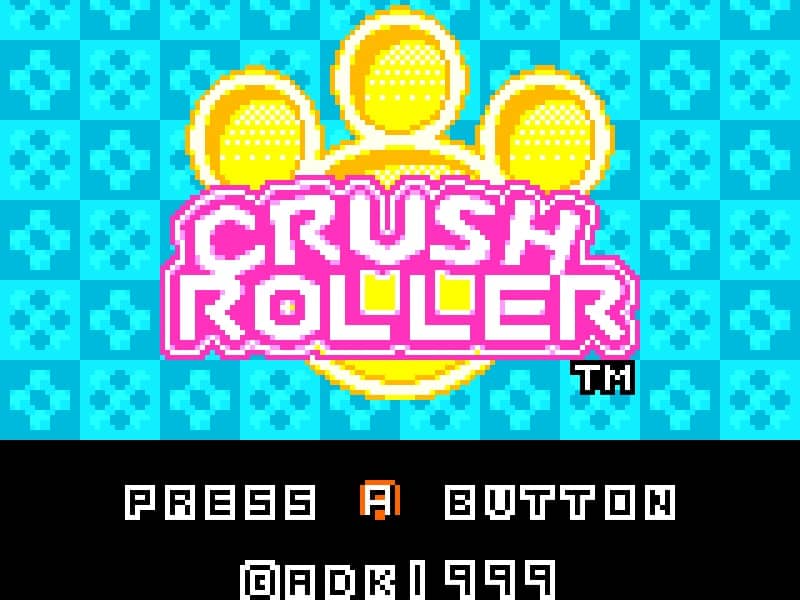
In Crush Roller, your objective is to paint at least 80% of the maze floor by rolling over it while avoiding enemy characters that patrol the board. You control a paint roller that moves along a grid-based maze, leaving a colored trail behind you. The core gameplay involves strategic path planning to efficiently cover the maze while evading enemies that will end your run if they touch you. Use the directional controls to navigate the maze, painting as much of the floor as possible. Some maze layouts contain power-ups that temporarily allow you to defeat enemies or gain speed advantages. The challenge increases as you progress through levels, with more complex maze designs and faster enemy movements requiring careful timing and route optimization. Focus on painting large open areas first while keeping escape routes clear, and use corners and maze walls strategically to avoid being trapped by pursuing enemies.
Information
Play Crush Roller Online - Neo Geo Pocket Color FAQ
Can I play Crush Roller online for free?
Yes. You can play Crush Roller online for free in your browser on GGEMU, with no download required.
Can I play Crush Roller on mobile?
Yes. You can play Crush Roller on mobile devices and desktop browsers through GGEMU.
Can I save my progress in Crush Roller?
Yes. Crush Roller supports local save states on GGEMU. Cloud saves are also available to GGEMU Premium members.
Do I need an emulator or special hardware to play Crush Roller?
No. GGEMU runs Crush Roller in your browser, so you do not need original Neo Geo Pocket Color hardware or a separate emulator.
Can I play Crush Roller in fullscreen mode?
Yes. Crush Roller supports fullscreen mode on GGEMU for a more immersive experience.
Can I play Crush Roller with a gamepad or controller?
Yes. Crush Roller supports gamepad controls on GGEMU when a compatible controller is connected.