플레이 방법
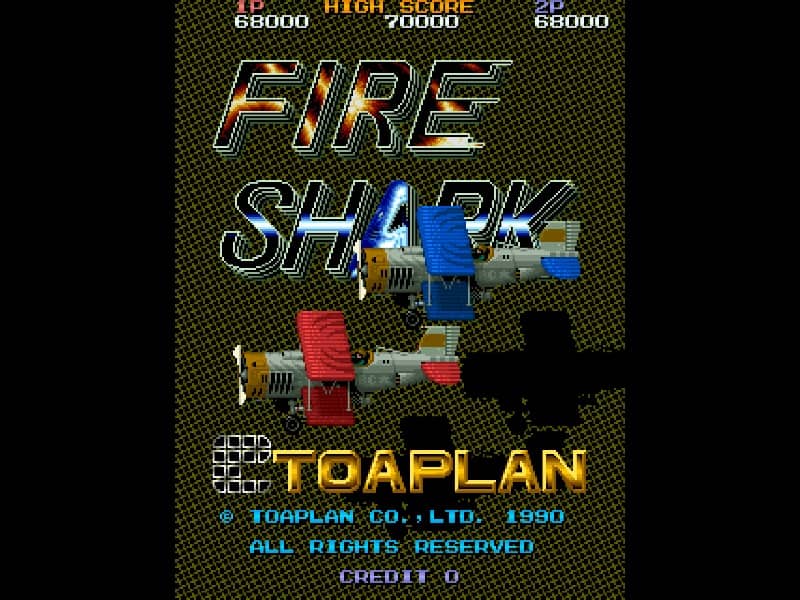
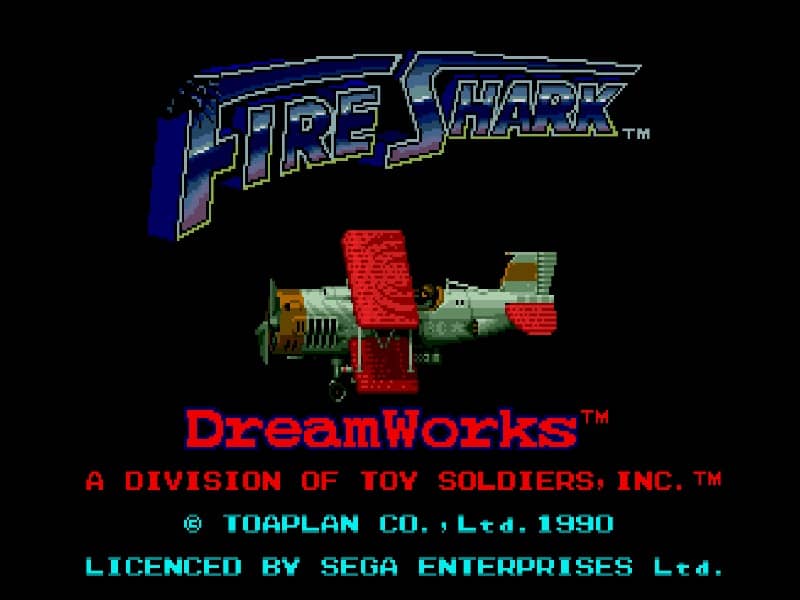
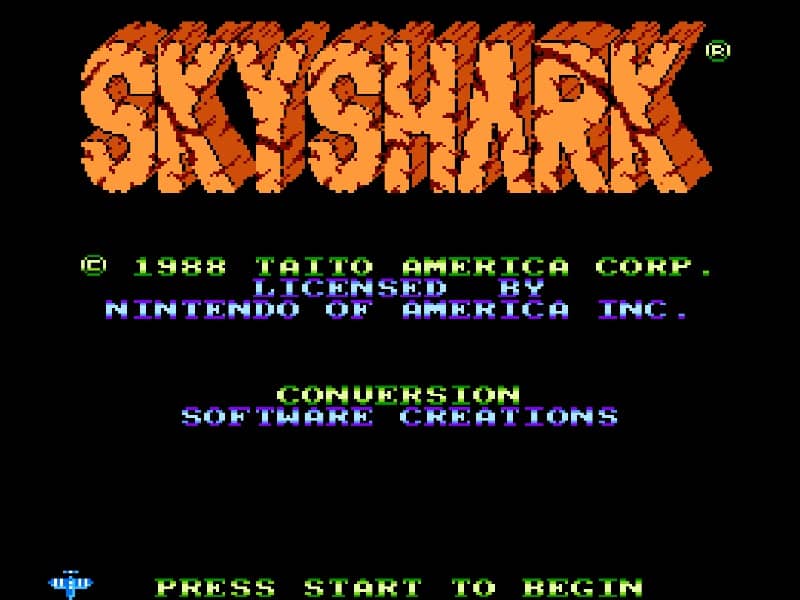
Pilot your biplane through intense vertically scrolling battlefields, dodging enemy fire while destroying ground targets and aerial threats. Use the directional pad to navigate the screen, the primary action button to fire your machine gun, and the secondary action button to drop powerful bombs that clear large groups of enemies and block incoming bullets. Focus on collecting power-up icons to increase your weapon's firing spread and power. Save your limited bombs for moments when the screen becomes overwhelmed with enemy projectiles or when facing large boss targets like heavy tanks and battleships at the end of each stage. Sky Shark usually rewards players who understand the main gameplay loop before trying to force speed or risky plays. Start each session by identifying what the game is really asking from you: survive, clear stages, control space, defeat key threats, manage time, or build score efficiently. That mindset helps you avoid random mistakes and gives every action a purpose, especially during the opening minutes when patterns, enemy pressure, and item timing are still being learned. Because this title fits a classic arcade-style action structure on Famicom platform, your first practical goal should be consistency rather than aggression. Pay attention to movement range, attack reach, recovery timing, hazard locations, spawn patterns, and any visual cues that signal danger or reward. A strong early approach is to learn how much room you need to reposition safely, when enemies become vulnerable, and which situations invite greedy play. If you can control spacing and tempo, the rest of the run becomes much easier to read. A classic vertically scrolling shoot 'em up where players pilot a biplane through military enemy lines, destroying tanks, battleships, and fighter planes.
게임 정보
Sky Shark 온라인 플레이 - Famicom 버전 자주 묻는 질문
Sky Shark을 무료로 온라인 플레이할 수 있나요?
네. 별도의 다운로드 없이 GGEMU 브라우저에서 Sky Shark을 무료로 온라인 플레이할 수 있습니다.
Sky Shark을 모바일에서 플레이할 수 있나요?
네. GGEMU를 통해 모바일 기기와 데스크톱 브라우저에서 모두 Sky Shark을 플레이할 수 있습니다.
Sky Shark의 진행 상황을 저장할 수 있나요?
네. Sky Shark은 GGEMU의 로컬 세이브 스테이트를 지원합니다. GGEMU Premium 회원은 클라우드 저장도 이용할 수 있습니다.
Sky Shark을 플레이하려면 에뮬레이터나 전용 하드웨어가 필요한가요?
아니요. GGEMU가 브라우저에서 Sky Shark을 실행하므로 Famicom 실기나 별도의 에뮬레이터가 필요하지 않습니다.
Sky Shark을 전체 화면으로 플레이할 수 있나요?
네. Sky Shark은 GGEMU의 전체 화면 모드를 지원해 더욱 몰입감 있게 즐길 수 있습니다.
Sky Shark을 게임패드나 컨트롤러로 플레이할 수 있나요?
네. 호환되는 컨트롤러를 연결하면 GGEMU에서 게임패드로 Sky Shark을 플레이할 수 있습니다.