Как играть
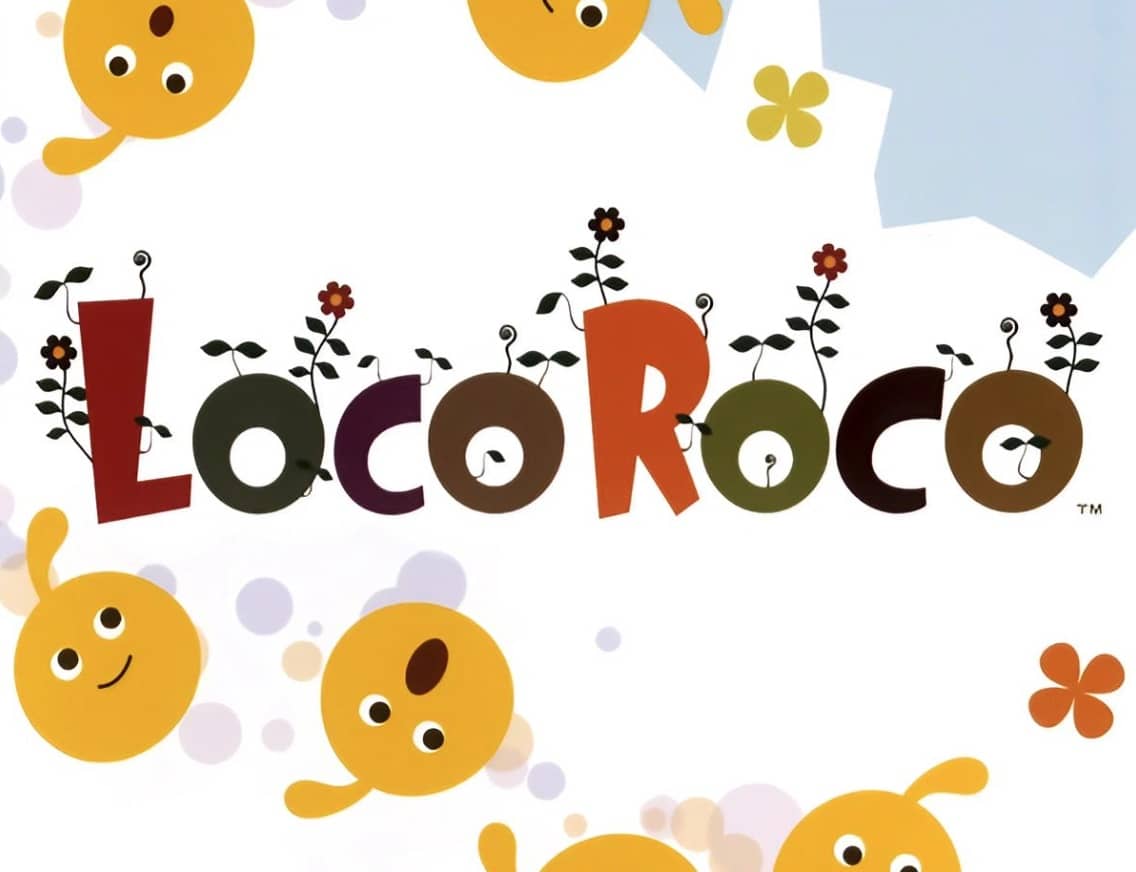
In LocoRoco, your goal is to guide a group of squishy, singing creatures called LocoRoco through each level to the goal. You do not control the LocoRoco directly. Instead, you tilt the entire world by pressing the L and R shoulder buttons to roll them left or right. Pressing both buttons together makes the LocoRoco jump. As you navigate, your LocoRoco can absorb smaller Mui Mui creatures to grow in size, and you can split a large LocoRoco into smaller individuals or merge them back together by pressing the Circle button. This splitting and merging is key to solving puzzles, fitting through narrow passages, and activating switches. The early game focuses on learning the basic tilting and jumping mechanics while collecting berries and avoiding black Moja creatures. As you progress, levels introduce more complex environmental hazards, moving platforms, and puzzles that require precise timing and clever use of the split/merge ability. During tense moments, such as escaping a pursuing enemy or navigating a precarious series of jumps, focus on anticipating the LocoRoco's momentum and using short, controlled tilts rather than holding the buttons down.
Информация об игре
Играть в LocoRoco онлайн — вопросы и ответы о версии для PlayStation Portable
Можно ли бесплатно играть в LocoRoco онлайн?
Да. В LocoRoco можно бесплатно играть онлайн прямо в браузере на GGEMU, ничего не скачивая.
Можно ли играть в LocoRoco на телефоне?
Сейчас LocoRoco оптимизирована для браузеров на компьютере и недоступна на мобильных устройствах.
Можно ли сохранить прогресс в LocoRoco?
Да. LocoRoco поддерживает локальные быстрые сохранения на GGEMU. Участникам GGEMU Premium также доступны облачные сохранения.
Нужен ли эмулятор или специальное оборудование, чтобы играть в LocoRoco?
Нет. GGEMU запускает LocoRoco в браузере, поэтому оригинальное оборудование PlayStation Portable и отдельный эмулятор не нужны.
Можно ли играть в LocoRoco в полноэкранном режиме?
Да. LocoRoco поддерживает полноэкранный режим на GGEMU для более полного погружения в игру.
Можно ли играть в LocoRoco с геймпадом или контроллером?
Да. Если подключить совместимый контроллер, в LocoRoco на GGEMU можно играть с геймпадом.