Cómo jugar
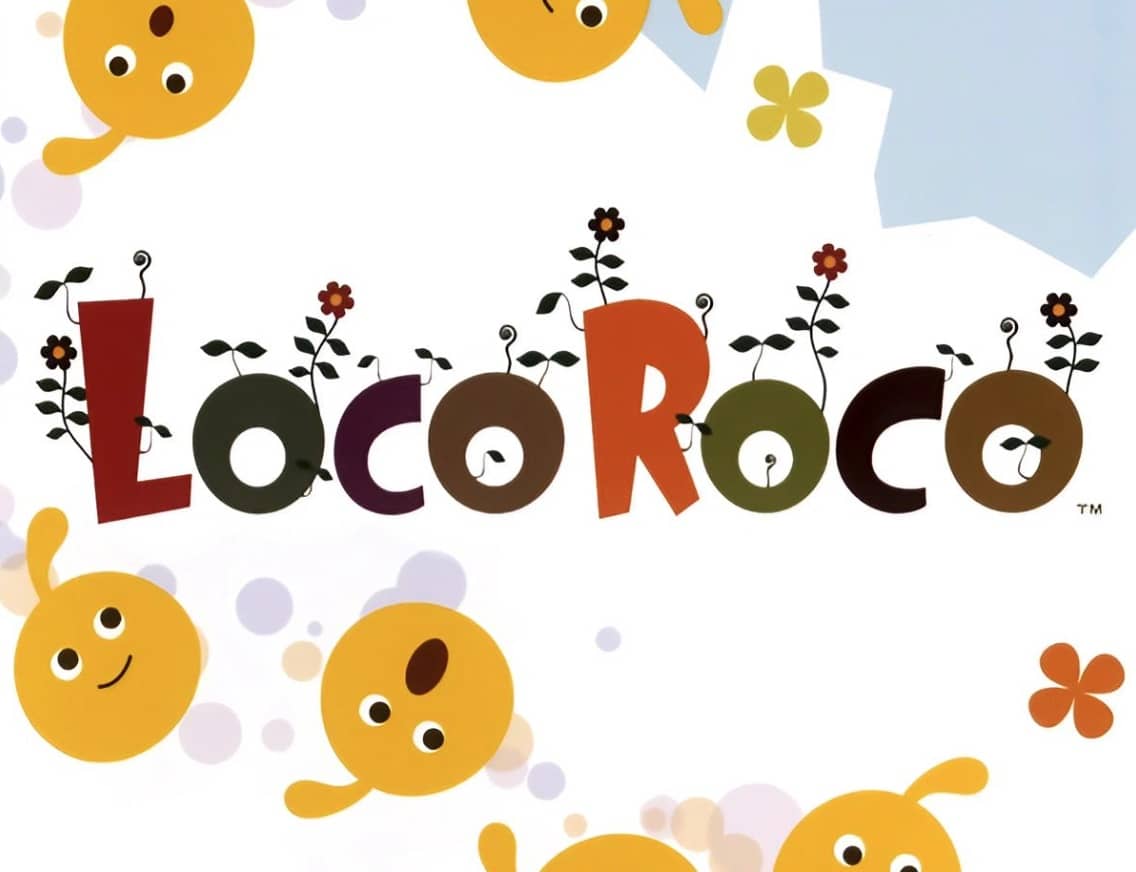
In LocoRoco, your goal is to guide a group of squishy, singing creatures called LocoRoco through each level to the goal. You do not control the LocoRoco directly. Instead, you tilt the entire world by pressing the L and R shoulder buttons to roll them left or right. Pressing both buttons together makes the LocoRoco jump. As you navigate, your LocoRoco can absorb smaller Mui Mui creatures to grow in size, and you can split a large LocoRoco into smaller individuals or merge them back together by pressing the Circle button. This splitting and merging is key to solving puzzles, fitting through narrow passages, and activating switches. The early game focuses on learning the basic tilting and jumping mechanics while collecting berries and avoiding black Moja creatures. As you progress, levels introduce more complex environmental hazards, moving platforms, and puzzles that require precise timing and clever use of the split/merge ability. During tense moments, such as escaping a pursuing enemy or navigating a precarious series of jumps, focus on anticipating the LocoRoco's momentum and using short, controlled tilts rather than holding the buttons down.
Información del juego
Jugar a LocoRoco online - Preguntas frecuentes de PlayStation Portable
¿Puedo jugar a LocoRoco online gratis?
Sí. Puedes jugar a LocoRoco online gratis desde el navegador en GGEMU, sin descargar nada.
¿Puedo jugar a LocoRoco en el móvil?
LocoRoco está optimizado actualmente para navegadores de escritorio y no está disponible en dispositivos móviles.
¿Puedo guardar mi progreso en LocoRoco?
Sí. LocoRoco admite estados de guardado locales en GGEMU. Los miembros de GGEMU Premium también pueden guardar en la nube.
¿Necesito un emulador o hardware especial para jugar a LocoRoco?
No. GGEMU ejecuta LocoRoco en tu navegador, así que no necesitas el hardware original de PlayStation Portable ni instalar otro emulador.
¿Puedo jugar a LocoRoco en pantalla completa?
Sí. LocoRoco admite el modo de pantalla completa en GGEMU para ofrecer una experiencia más inmersiva.
¿Puedo jugar a LocoRoco con un mando?
Sí. Puedes controlar LocoRoco con un mando en GGEMU cuando conectes uno compatible.