Caricato da 大帅
Come giocare
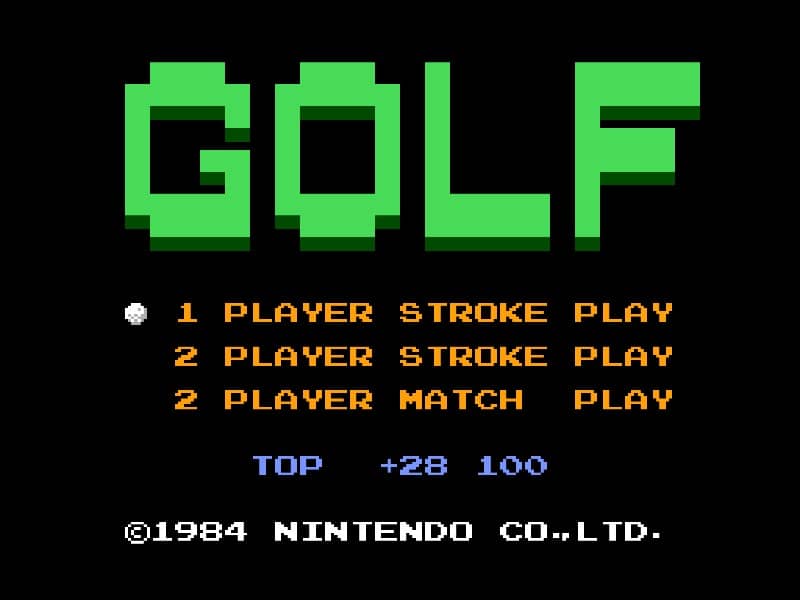
In Golf for Famicom, your objective is to complete each hole in as few strokes as possible. The game begins by selecting your club and adjusting your shot power and direction. Use the D-pad to aim your shot, considering wind direction and obstacles like sand traps and water hazards. Press the A button to start your power meter, then press it again to set the power level. A third press determines the accuracy of your shot - timing is crucial for straight drives. On the green, switch to your putter and carefully read the slope of the terrain to sink your putt. Beginners should focus on mastering the three-button swing mechanic first before attempting risky shots. Pay attention to the wind indicator and avoid hazards by using conservative club selections. As you progress, learn to use different clubs effectively - woods for distance, irons for precision, and the wedge for getting out of tricky situations. The game's challenge comes from reading the course layout and adapting your strategy hole by hole.
Informazioni sul gioco
Gioca a Golf online - FAQ Famicom
Posso giocare gratis a Golf online?
Sì. Puoi giocare gratis a Golf online nel browser su GGEMU, senza scaricare nulla.
Posso giocare a Golf su smartphone?
Sì. Puoi giocare a Golf tramite GGEMU sia sui dispositivi mobili sia nei browser desktop.
Posso salvare i progressi in Golf?
Sì. Golf supporta gli stati di salvataggio locali su GGEMU. I membri di GGEMU Premium possono anche salvare nel cloud.
Mi servono un emulatore o hardware speciale per giocare a Golf?
No. GGEMU esegue Golf nel tuo browser, quindi non servono l'hardware originale Famicom o un emulatore separato.
Posso giocare a Golf a schermo intero?
Sì. Golf supporta la modalità a schermo intero su GGEMU per un'esperienza più coinvolgente.
Posso giocare a Golf con un gamepad o controller?
Sì. Se colleghi un controller compatibile, puoi usare il gamepad per giocare a Golf su GGEMU.