Загрузил 大帅
Как играть
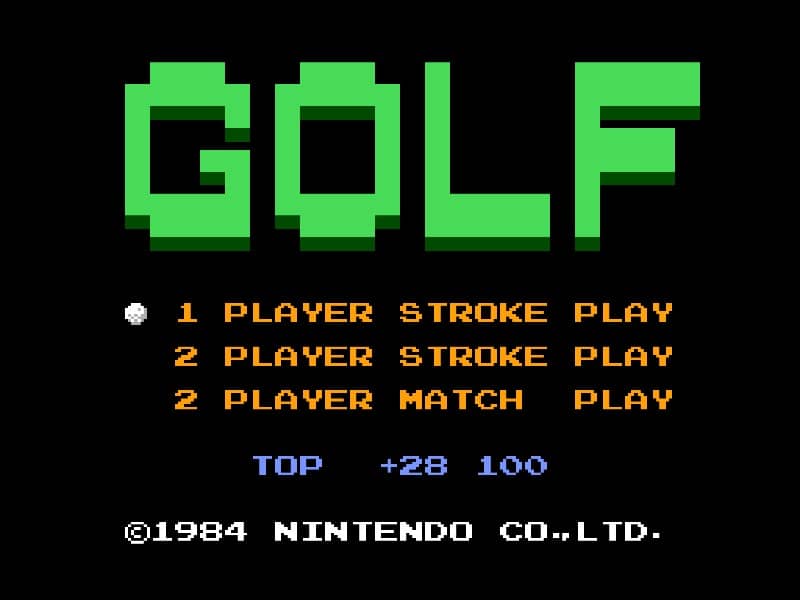
In Golf for Famicom, your objective is to complete each hole in as few strokes as possible. The game begins by selecting your club and adjusting your shot power and direction. Use the D-pad to aim your shot, considering wind direction and obstacles like sand traps and water hazards. Press the A button to start your power meter, then press it again to set the power level. A third press determines the accuracy of your shot - timing is crucial for straight drives. On the green, switch to your putter and carefully read the slope of the terrain to sink your putt. Beginners should focus on mastering the three-button swing mechanic first before attempting risky shots. Pay attention to the wind indicator and avoid hazards by using conservative club selections. As you progress, learn to use different clubs effectively - woods for distance, irons for precision, and the wedge for getting out of tricky situations. The game's challenge comes from reading the course layout and adapting your strategy hole by hole.
Информация об игре
Играть в Golf онлайн — вопросы и ответы о версии для Famicom
Можно ли бесплатно играть в Golf онлайн?
Да. В Golf можно бесплатно играть онлайн прямо в браузере на GGEMU, ничего не скачивая.
Можно ли играть в Golf на телефоне?
Да. Через GGEMU в Golf можно играть как на мобильных устройствах, так и в браузерах на компьютере.
Можно ли сохранить прогресс в Golf?
Да. Golf поддерживает локальные быстрые сохранения на GGEMU. Участникам GGEMU Premium также доступны облачные сохранения.
Нужен ли эмулятор или специальное оборудование, чтобы играть в Golf?
Нет. GGEMU запускает Golf в браузере, поэтому оригинальное оборудование Famicom и отдельный эмулятор не нужны.
Можно ли играть в Golf в полноэкранном режиме?
Да. Golf поддерживает полноэкранный режим на GGEMU для более полного погружения в игру.
Можно ли играть в Golf с геймпадом или контроллером?
Да. Если подключить совместимый контроллер, в Golf на GGEMU можно играть с геймпадом.