Cách chơi
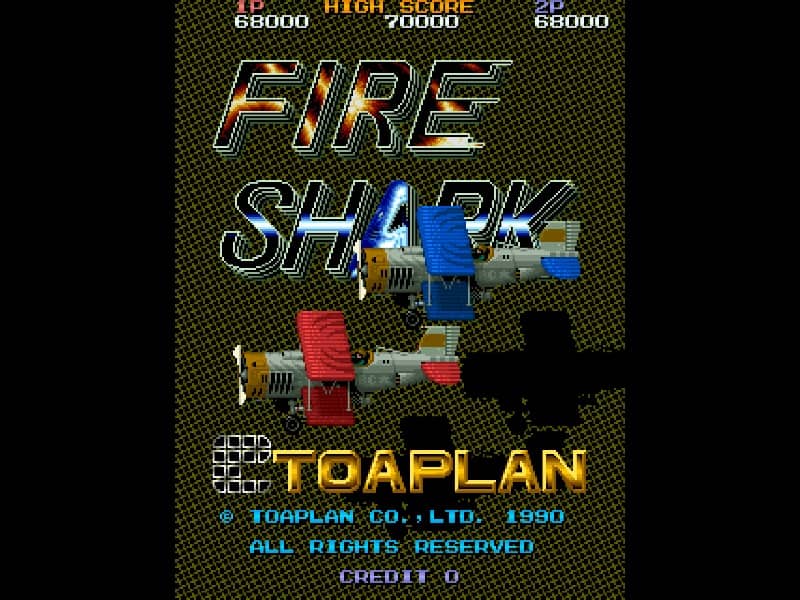
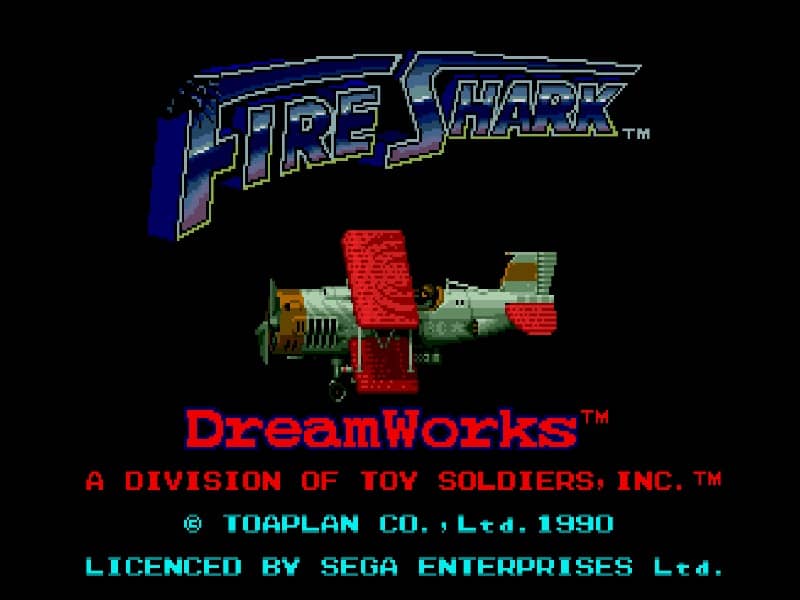
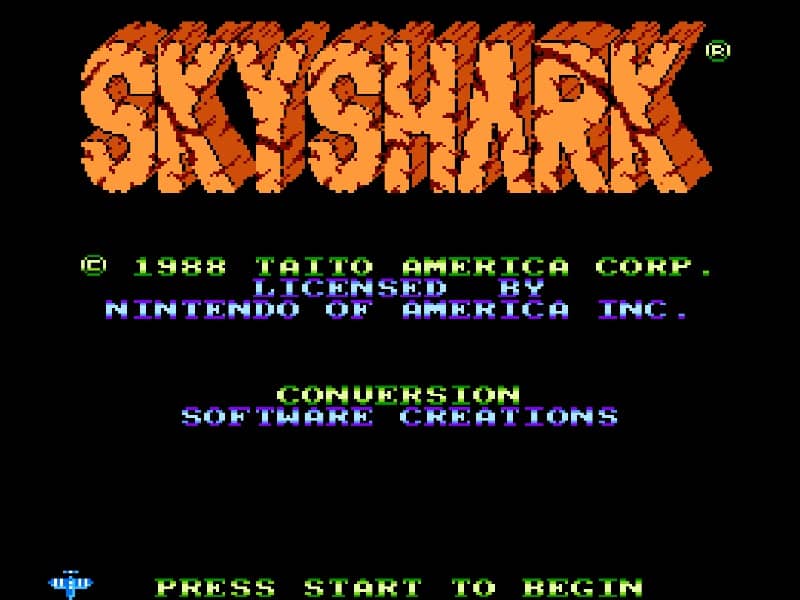
Pilot your biplane through intense vertically scrolling battlefields, dodging enemy fire while destroying ground targets and aerial threats. Use the directional pad to navigate the screen, the primary action button to fire your machine gun, and the secondary action button to drop powerful bombs that clear large groups of enemies and block incoming bullets. Focus on collecting power-up icons to increase your weapon's firing spread and power. Save your limited bombs for moments when the screen becomes overwhelmed with enemy projectiles or when facing large boss targets like heavy tanks and battleships at the end of each stage. Sky Shark usually rewards players who understand the main gameplay loop before trying to force speed or risky plays. Start each session by identifying what the game is really asking from you: survive, clear stages, control space, defeat key threats, manage time, or build score efficiently. That mindset helps you avoid random mistakes and gives every action a purpose, especially during the opening minutes when patterns, enemy pressure, and item timing are still being learned. Because this title fits a classic arcade-style action structure on Famicom platform, your first practical goal should be consistency rather than aggression. Pay attention to movement range, attack reach, recovery timing, hazard locations, spawn patterns, and any visual cues that signal danger or reward. A strong early approach is to learn how much room you need to reposition safely, when enemies become vulnerable, and which situations invite greedy play. If you can control spacing and tempo, the rest of the run becomes much easier to read. A classic vertically scrolling shoot 'em up where players pilot a biplane through military enemy lines, destroying tanks, battleships, and fighter planes.
Thông tin trò chơi
Chơi Sky Shark online - Câu hỏi thường gặp về phiên bản Famicom
Tôi có thể chơi Sky Shark online miễn phí không?
Có. Bạn có thể chơi Sky Shark online miễn phí ngay trên trình duyệt qua GGEMU mà không cần tải xuống.
Tôi có thể chơi Sky Shark trên điện thoại không?
Có. Bạn có thể chơi Sky Shark qua GGEMU trên cả thiết bị di động lẫn trình duyệt máy tính.
Tôi có thể lưu tiến trình trong Sky Shark không?
Có. Sky Shark hỗ trợ trạng thái lưu cục bộ trên GGEMU. Thành viên GGEMU Premium cũng có thể lưu trên đám mây.
Tôi có cần trình giả lập hoặc phần cứng chuyên dụng để chơi Sky Shark không?
Không. GGEMU chạy Sky Shark ngay trong trình duyệt nên bạn không cần máy Famicom nguyên bản hay cài thêm trình giả lập.
Tôi có thể chơi Sky Shark ở chế độ toàn màn hình không?
Có. Sky Shark hỗ trợ chế độ toàn màn hình trên GGEMU để mang lại trải nghiệm nhập vai hơn.
Tôi có thể chơi Sky Shark bằng tay cầm không?
Có. Khi kết nối tay cầm tương thích, bạn có thể điều khiển Sky Shark bằng tay cầm trên GGEMU.