Как играть
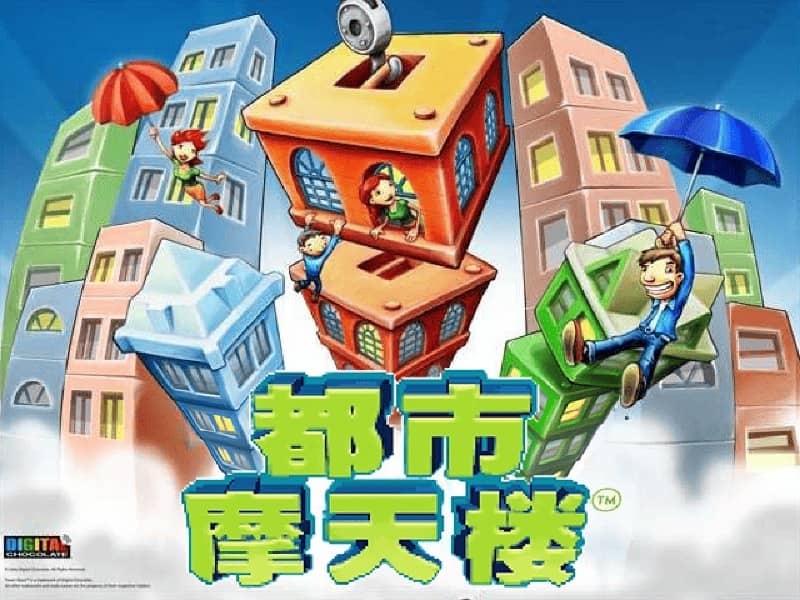
In TowerBloxx MyCity, your goal is to construct the tallest and most stable skyscrapers possible. You control a crane that swings back and forth, and you must tap or press a button at the right moment to drop a floor onto the growing tower below. Timing is critical: release too early or too late, and the floor will land off-center, causing the tower to tilt and become unstable. As you progress, you'll unlock new city districts and building types, each with unique visual themes and challenges. The game rewards precision and consistency. A good strategy is to watch the crane's pendulum motion and try to drop each block when the crane is directly above the center of the tower. In later levels, wind or speed variations may be introduced, requiring you to adjust your timing. Focus on building a solid base early on, as a wobbly foundation will make it nearly impossible to stack higher floors successfully during the more intense final stages of a building attempt.
Информация об игре
Играть в TowerBloxx MyCity онлайн — вопросы и ответы о версии для Java
Можно ли бесплатно играть в TowerBloxx MyCity онлайн?
Да. В TowerBloxx MyCity можно бесплатно играть онлайн прямо в браузере на GGEMU, ничего не скачивая.
Можно ли играть в TowerBloxx MyCity на телефоне?
Да. Через GGEMU в TowerBloxx MyCity можно играть как на мобильных устройствах, так и в браузерах на компьютере.
Можно ли сохранить прогресс в TowerBloxx MyCity?
Да. TowerBloxx MyCity поддерживает локальные быстрые сохранения на GGEMU. Участникам GGEMU Premium также доступны облачные сохранения.
Нужен ли эмулятор или специальное оборудование, чтобы играть в TowerBloxx MyCity?
Нет. GGEMU запускает TowerBloxx MyCity в браузере, поэтому оригинальное оборудование Java и отдельный эмулятор не нужны.
Можно ли играть в TowerBloxx MyCity в полноэкранном режиме?
Да. TowerBloxx MyCity поддерживает полноэкранный режим на GGEMU для более полного погружения в игру.
Можно ли играть в TowerBloxx MyCity с геймпадом или контроллером?
Да. Если подключить совместимый контроллер, в TowerBloxx MyCity на GGEMU можно играть с геймпадом.