How to play
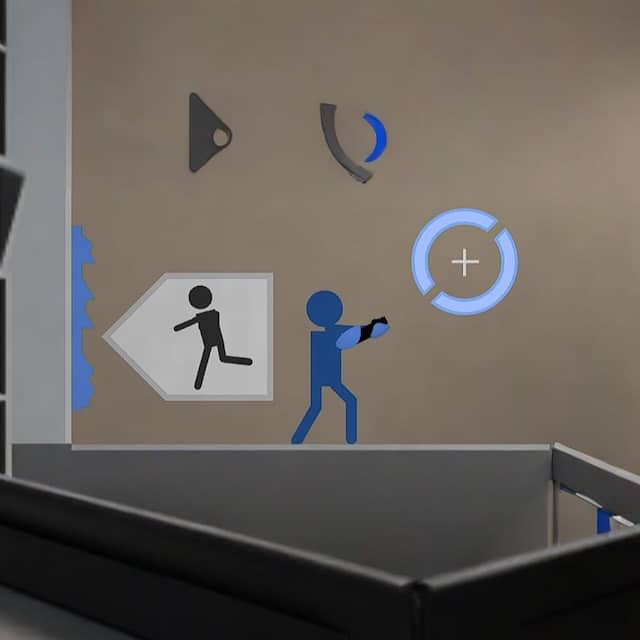
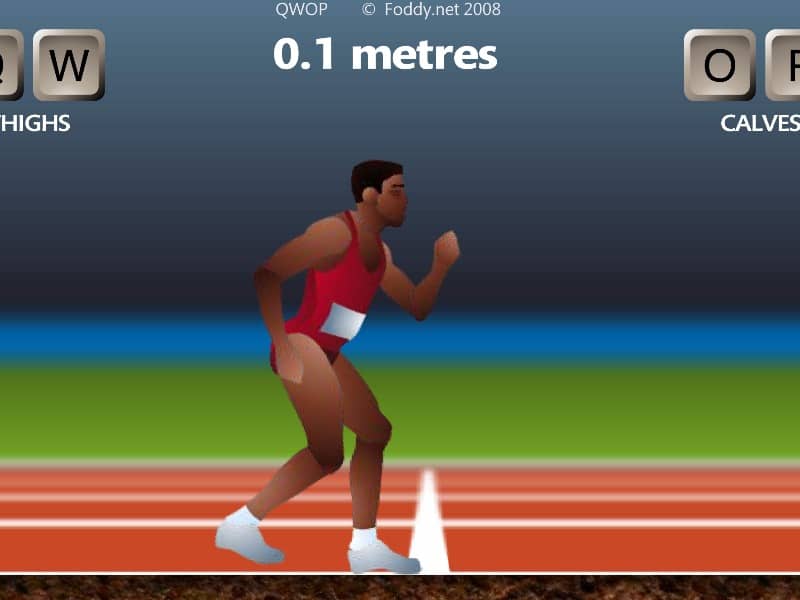
In QWOP, you control an Olympic sprinter attempting to run 100 meters using only four keys: Q and W for the right thigh and calf muscles, and O and P for the left thigh and calf muscles. The core objective is to coordinate these muscle movements to propel your athlete forward without falling. Beginners should start by practicing small, alternating movements - try pressing Q and O to lift the thighs, then W and P to extend the calves in a rhythmic pattern. Focus on maintaining balance rather than speed initially, as overextending will cause your runner to collapse. The challenge comes from the unintuitive control scheme and realistic physics that make even standing up difficult. During tense moments when your runner starts to wobble, quickly tap the opposite muscle keys to counterbalance. Advanced players can attempt the 'flailing' technique - rapidly alternating all four keys to generate forward momentum through chaotic but controlled falling and catching motions. Success requires patience and developing muscle memory for the delicate timing needed to chain together successful steps.
Information
Play QWOP Online - FLASH FAQ
Can I play QWOP online for free?
Yes. You can play QWOP online for free in your browser on GGEMU, with no download required.
Can I play QWOP on mobile?
Yes. You can play QWOP on mobile devices and desktop browsers through GGEMU.
Can I save my progress in QWOP?
QWOP does not currently support GGEMU save states. If the game includes its own save feature, you can use that instead.
Do I need an emulator or special hardware to play QWOP?
No. QWOP runs directly in your browser on GGEMU, with no extra hardware or software required.
Can I play QWOP in fullscreen mode?
Yes. QWOP supports fullscreen mode on GGEMU for a more immersive experience.
Can I play QWOP with a gamepad or controller?
Yes. QWOP supports gamepad controls on GGEMU when a compatible controller is connected.