Caricato da 大帅
Come giocare
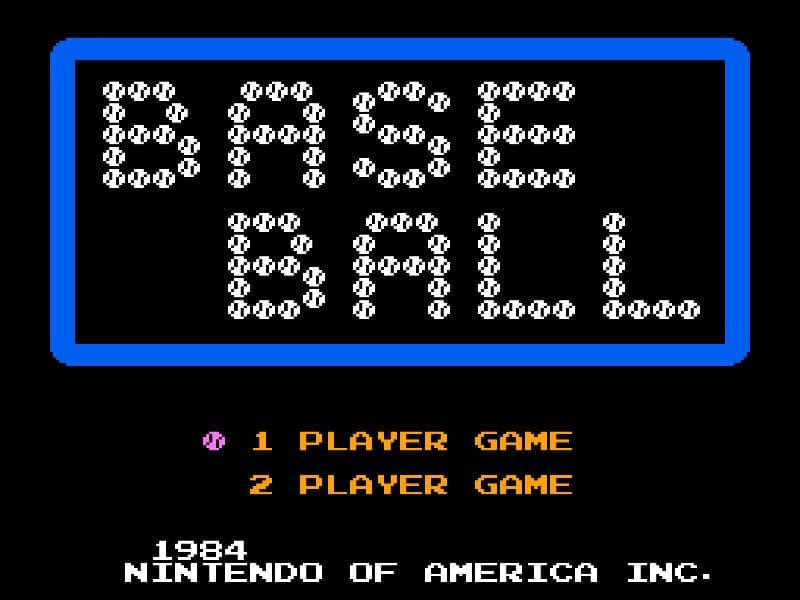
In Baseball for the Famicom, you control a full baseball team during a nine-inning game. As the batting team, your goal is to score runs by hitting the ball and running the bases. Time your swing with the A button when the pitch arrives to make contact. A well-timed hit can result in a single, double, triple, or even a home run. After hitting, use the D-pad to control your runner's advancement around the bases. As the fielding team, you pitch by selecting a type of pitch with the D-pad and throwing with the B button. After the ball is hit, you automatically control the fielder nearest to the ball. Press the A button to throw to a base to try to get the runner out. Early on, focus on learning the timing for batting and the basic controls for fielding. In the middle innings, pay attention to the opposing team's pitching patterns and position your fielders wisely. During tense moments, such as with bases loaded, concentrate on making solid contact at the plate or executing quick, accurate throws in the field to prevent runs.
Informazioni sul gioco
Gioca a Baseball online - FAQ Famicom
Posso giocare gratis a Baseball online?
Sì. Puoi giocare gratis a Baseball online nel browser su GGEMU, senza scaricare nulla.
Posso giocare a Baseball su smartphone?
Sì. Puoi giocare a Baseball tramite GGEMU sia sui dispositivi mobili sia nei browser desktop.
Posso salvare i progressi in Baseball?
Sì. Baseball supporta gli stati di salvataggio locali su GGEMU. I membri di GGEMU Premium possono anche salvare nel cloud.
Mi servono un emulatore o hardware speciale per giocare a Baseball?
No. GGEMU esegue Baseball nel tuo browser, quindi non servono l'hardware originale Famicom o un emulatore separato.
Posso giocare a Baseball a schermo intero?
Sì. Baseball supporta la modalità a schermo intero su GGEMU per un'esperienza più coinvolgente.
Posso giocare a Baseball con un gamepad o controller?
Sì. Se colleghi un controller compatibile, puoi usare il gamepad per giocare a Baseball su GGEMU.