Загрузил 大帅
Как играть
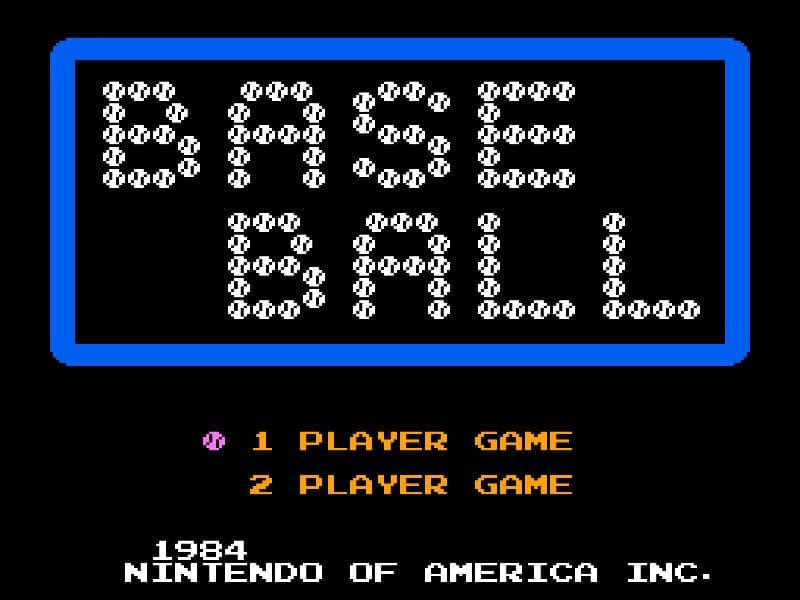
In Baseball for the Famicom, you control a full baseball team during a nine-inning game. As the batting team, your goal is to score runs by hitting the ball and running the bases. Time your swing with the A button when the pitch arrives to make contact. A well-timed hit can result in a single, double, triple, or even a home run. After hitting, use the D-pad to control your runner's advancement around the bases. As the fielding team, you pitch by selecting a type of pitch with the D-pad and throwing with the B button. After the ball is hit, you automatically control the fielder nearest to the ball. Press the A button to throw to a base to try to get the runner out. Early on, focus on learning the timing for batting and the basic controls for fielding. In the middle innings, pay attention to the opposing team's pitching patterns and position your fielders wisely. During tense moments, such as with bases loaded, concentrate on making solid contact at the plate or executing quick, accurate throws in the field to prevent runs.
Информация об игре
Играть в Baseball онлайн — вопросы и ответы о версии для Famicom
Можно ли бесплатно играть в Baseball онлайн?
Да. В Baseball можно бесплатно играть онлайн прямо в браузере на GGEMU, ничего не скачивая.
Можно ли играть в Baseball на телефоне?
Да. Через GGEMU в Baseball можно играть как на мобильных устройствах, так и в браузерах на компьютере.
Можно ли сохранить прогресс в Baseball?
Да. Baseball поддерживает локальные быстрые сохранения на GGEMU. Участникам GGEMU Premium также доступны облачные сохранения.
Нужен ли эмулятор или специальное оборудование, чтобы играть в Baseball?
Нет. GGEMU запускает Baseball в браузере, поэтому оригинальное оборудование Famicom и отдельный эмулятор не нужны.
Можно ли играть в Baseball в полноэкранном режиме?
Да. Baseball поддерживает полноэкранный режим на GGEMU для более полного погружения в игру.
Можно ли играть в Baseball с геймпадом или контроллером?
Да. Если подключить совместимый контроллер, в Baseball на GGEMU можно играть с геймпадом.