업로드: 大帅
플레이 방법
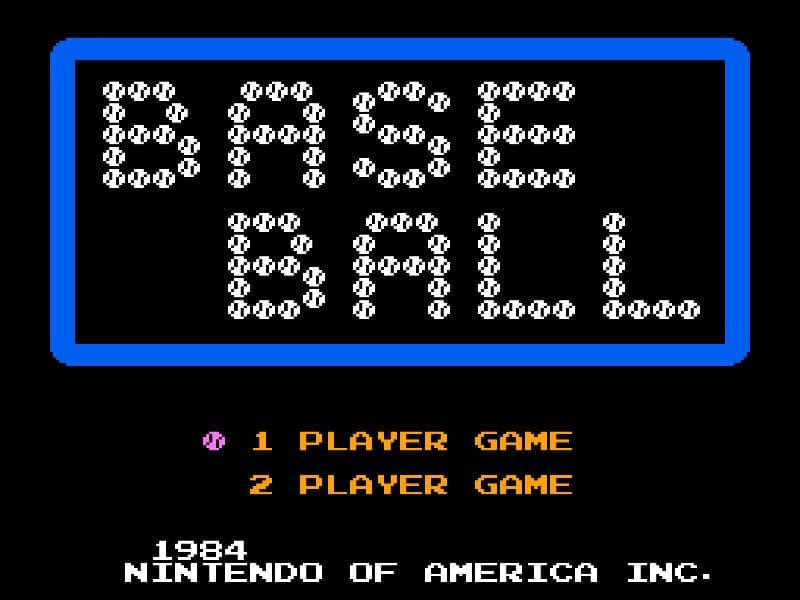
In Baseball for the Famicom, you control a full baseball team during a nine-inning game. As the batting team, your goal is to score runs by hitting the ball and running the bases. Time your swing with the A button when the pitch arrives to make contact. A well-timed hit can result in a single, double, triple, or even a home run. After hitting, use the D-pad to control your runner's advancement around the bases. As the fielding team, you pitch by selecting a type of pitch with the D-pad and throwing with the B button. After the ball is hit, you automatically control the fielder nearest to the ball. Press the A button to throw to a base to try to get the runner out. Early on, focus on learning the timing for batting and the basic controls for fielding. In the middle innings, pay attention to the opposing team's pitching patterns and position your fielders wisely. During tense moments, such as with bases loaded, concentrate on making solid contact at the plate or executing quick, accurate throws in the field to prevent runs.
게임 정보
Baseball 온라인 플레이 - Famicom 버전 자주 묻는 질문
Baseball을 무료로 온라인 플레이할 수 있나요?
네. 별도의 다운로드 없이 GGEMU 브라우저에서 Baseball을 무료로 온라인 플레이할 수 있습니다.
Baseball을 모바일에서 플레이할 수 있나요?
네. GGEMU를 통해 모바일 기기와 데스크톱 브라우저에서 모두 Baseball을 플레이할 수 있습니다.
Baseball의 진행 상황을 저장할 수 있나요?
네. Baseball은 GGEMU의 로컬 세이브 스테이트를 지원합니다. GGEMU Premium 회원은 클라우드 저장도 이용할 수 있습니다.
Baseball을 플레이하려면 에뮬레이터나 전용 하드웨어가 필요한가요?
아니요. GGEMU가 브라우저에서 Baseball을 실행하므로 Famicom 실기나 별도의 에뮬레이터가 필요하지 않습니다.
Baseball을 전체 화면으로 플레이할 수 있나요?
네. Baseball은 GGEMU의 전체 화면 모드를 지원해 더욱 몰입감 있게 즐길 수 있습니다.
Baseball을 게임패드나 컨트롤러로 플레이할 수 있나요?
네. 호환되는 컨트롤러를 연결하면 GGEMU에서 게임패드로 Baseball을 플레이할 수 있습니다.