Nasıl oynanır
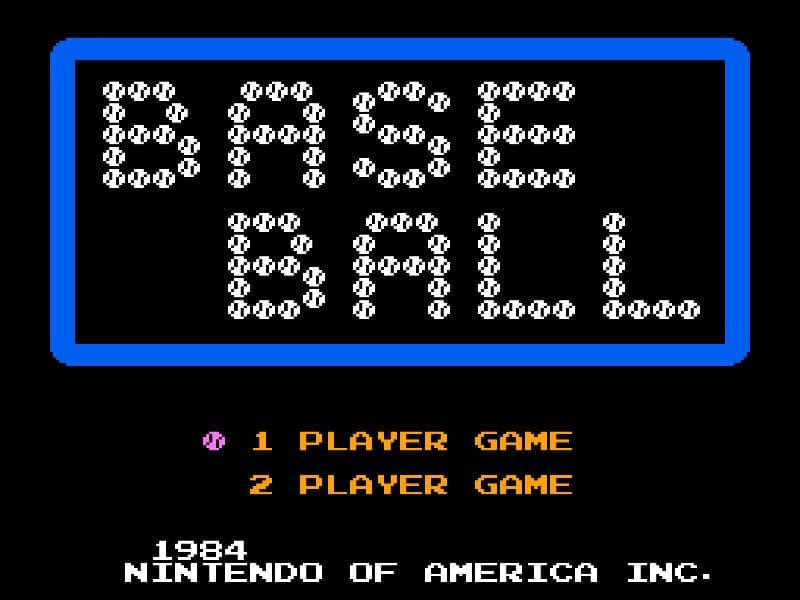
In Baseball for the Famicom, you control a full baseball team during a nine-inning game. As the batting team, your goal is to score runs by hitting the ball and running the bases. Time your swing with the A button when the pitch arrives to make contact. A well-timed hit can result in a single, double, triple, or even a home run. After hitting, use the D-pad to control your runner's advancement around the bases. As the fielding team, you pitch by selecting a type of pitch with the D-pad and throwing with the B button. After the ball is hit, you automatically control the fielder nearest to the ball. Press the A button to throw to a base to try to get the runner out. Early on, focus on learning the timing for batting and the basic controls for fielding. In the middle innings, pay attention to the opposing team's pitching patterns and position your fielders wisely. During tense moments, such as with bases loaded, concentrate on making solid contact at the plate or executing quick, accurate throws in the field to prevent runs.
Oyun Bilgileri
Baseball Online Oyna - Famicom SSS
Baseball oyununu çevrimiçi ve ücretsiz oynayabilir miyim?
Evet. Hiçbir şey indirmeden Baseball oyununu GGEMU üzerinden tarayıcınızda çevrimiçi ve ücretsiz oynayabilirsiniz.
Baseball oyununu mobil cihazda oynayabilir miyim?
Evet. Baseball oyununu GGEMU üzerinden hem mobil cihazlarda hem de masaüstü tarayıcılarda oynayabilirsiniz.
Baseball oyunundaki ilerlememi kaydedebilir miyim?
Evet. Baseball, GGEMU'da yerel kayıt durumlarını destekler. GGEMU Premium üyeleri bulut kayıt özelliğini de kullanabilir.
Baseball oynamak için emülatör veya özel donanım gerekir mi?
Hayır. GGEMU, Baseball oyununu tarayıcınızda çalıştırır; orijinal Famicom donanımına veya ayrı bir emülatöre ihtiyacınız yoktur.
Baseball oyununu tam ekran modunda oynayabilir miyim?
Evet. Baseball, daha sürükleyici bir deneyim için GGEMU'da tam ekran modunu destekler.
Baseball oyununu gamepad veya kontrolcüyle oynayabilir miyim?
Evet. Uyumlu bir kontrolcü bağlandığında Baseball oyununu GGEMU'da gamepad ile oynayabilirsiniz.