遊び方
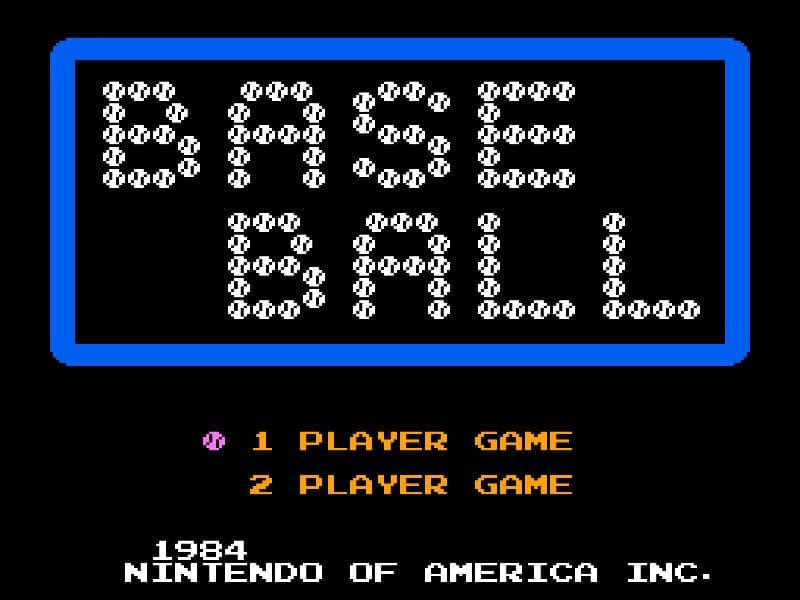
In Baseball for the Famicom, you control a full baseball team during a nine-inning game. As the batting team, your goal is to score runs by hitting the ball and running the bases. Time your swing with the A button when the pitch arrives to make contact. A well-timed hit can result in a single, double, triple, or even a home run. After hitting, use the D-pad to control your runner's advancement around the bases. As the fielding team, you pitch by selecting a type of pitch with the D-pad and throwing with the B button. After the ball is hit, you automatically control the fielder nearest to the ball. Press the A button to throw to a base to try to get the runner out. Early on, focus on learning the timing for batting and the basic controls for fielding. In the middle innings, pay attention to the opposing team's pitching patterns and position your fielders wisely. During tense moments, such as with bases loaded, concentrate on making solid contact at the plate or executing quick, accurate throws in the field to prevent runs.
ゲーム情報
Baseballをオンラインでプレイ – Famicom版のよくある質問
Baseballは無料でオンラインプレイできますか?
はい。ダウンロード不要で、GGEMUのブラウザ上からBaseballを無料でオンラインプレイできます。
Baseballはスマートフォンで遊べますか?
はい。GGEMUなら、スマートフォンなどのモバイル端末でもパソコンのブラウザでもBaseballをプレイできます。
Baseballの進行状況を保存できますか?
はい。BaseballはGGEMUのローカルセーブステートに対応しています。GGEMU Premium会員はクラウドセーブも利用できます。
Baseballを遊ぶにはエミュレーターや専用ハードが必要ですか?
いいえ。GGEMUがブラウザ上でBaseballを動かすため、Famicomの実機や別のエミュレーターは必要ありません。
Baseballはフルスクリーンで遊べますか?
はい。BaseballはGGEMUのフルスクリーンモードに対応しており、より没入感のあるプレイを楽しめます。
Baseballはゲームパッドやコントローラーで遊べますか?
はい。対応コントローラーを接続すれば、GGEMUでBaseballをゲームパッド操作できます。