How to play
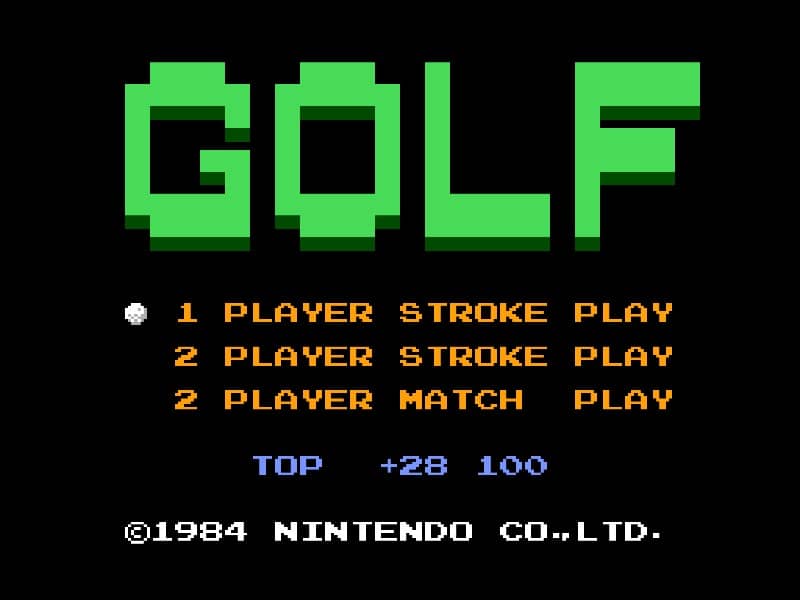
In Golf for Famicom, your objective is to complete each hole in as few strokes as possible. The game begins by selecting your club and adjusting your shot power and direction. Use the D-pad to aim your shot, considering wind direction and obstacles like sand traps and water hazards. Press the A button to start your power meter, then press it again to set the power level. A third press determines the accuracy of your shot - timing is crucial for straight drives. On the green, switch to your putter and carefully read the slope of the terrain to sink your putt. Beginners should focus on mastering the three-button swing mechanic first before attempting risky shots. Pay attention to the wind indicator and avoid hazards by using conservative club selections. As you progress, learn to use different clubs effectively - woods for distance, irons for precision, and the wedge for getting out of tricky situations. The game's challenge comes from reading the course layout and adapting your strategy hole by hole.
Information
Play Golf Online - Famicom FAQ
Can I play Golf online for free?
Yes. You can play Golf online for free in your browser on GGEMU, with no download required.
Can I play Golf on mobile?
Yes. You can play Golf on mobile devices and desktop browsers through GGEMU.
Can I save my progress in Golf?
Yes. Golf supports local save states on GGEMU. Cloud saves are also available to GGEMU Premium members.
Do I need an emulator or special hardware to play Golf?
No. GGEMU runs Golf in your browser, so you do not need original Famicom hardware or a separate emulator.
Can I play Golf in fullscreen mode?
Yes. Golf supports fullscreen mode on GGEMU for a more immersive experience.
Can I play Golf with a gamepad or controller?
Yes. Golf supports gamepad controls on GGEMU when a compatible controller is connected.