How to play
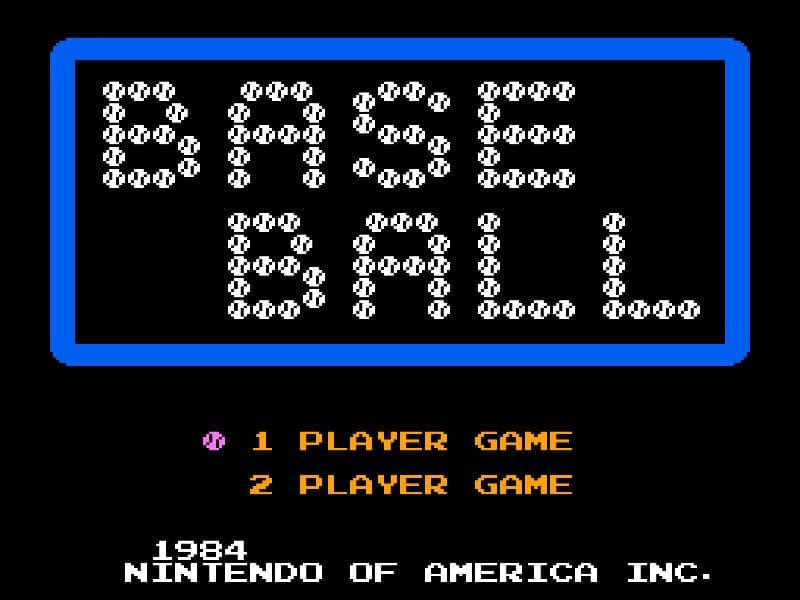
In Baseball for the Famicom, you control a full baseball team during a nine-inning game. As the batting team, your goal is to score runs by hitting the ball and running the bases. Time your swing with the A button when the pitch arrives to make contact. A well-timed hit can result in a single, double, triple, or even a home run. After hitting, use the D-pad to control your runner's advancement around the bases. As the fielding team, you pitch by selecting a type of pitch with the D-pad and throwing with the B button. After the ball is hit, you automatically control the fielder nearest to the ball. Press the A button to throw to a base to try to get the runner out. Early on, focus on learning the timing for batting and the basic controls for fielding. In the middle innings, pay attention to the opposing team's pitching patterns and position your fielders wisely. During tense moments, such as with bases loaded, concentrate on making solid contact at the plate or executing quick, accurate throws in the field to prevent runs.
Information
Play Baseball Online - Famicom FAQ
Can I play Baseball online for free?
Yes. You can play Baseball online for free in your browser on GGEMU, with no download required.
Can I play Baseball on mobile?
Yes. You can play Baseball on mobile devices and desktop browsers through GGEMU.
Can I save my progress in Baseball?
Yes. Baseball supports local save states on GGEMU. Cloud saves are also available to GGEMU Premium members.
Do I need an emulator or special hardware to play Baseball?
No. GGEMU runs Baseball in your browser, so you do not need original Famicom hardware or a separate emulator.
Can I play Baseball in fullscreen mode?
Yes. Baseball supports fullscreen mode on GGEMU for a more immersive experience.
Can I play Baseball with a gamepad or controller?
Yes. Baseball supports gamepad controls on GGEMU when a compatible controller is connected.