Como jogar
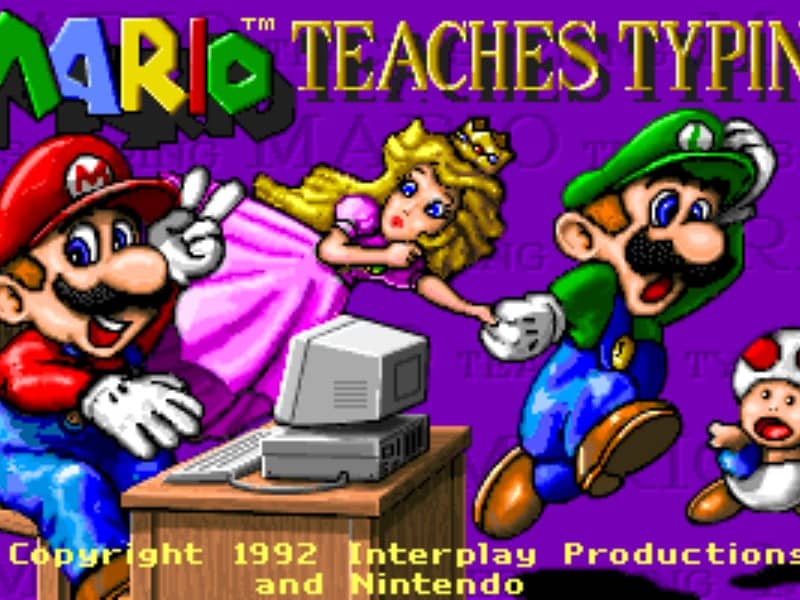
The main objective is to type the characters shown on the screen accurately and quickly to guide Mario and his friends past obstacles. Players can select from several different mini-games of varying difficulty. In the simpler levels, you type single letters to help Mario smash blocks or stomp on enemies like Goombas and Koopa Troopas. As you advance to harder levels, you must type full words and complete sentences to help Mario swim through the ocean or run through a dangerous castle. To succeed, focus on proper hand placement on your physical keyboard. The game displays on-screen hands to guide your finger positions and teach you touch typing. In the early stages, prioritize accuracy over speed to build muscle memory. As you transition to full sentences, focus on maintaining a steady typing rhythm to help Mario smoothly jump over hazards, evade traps, and complete his quest before the timer runs out.
Informações do jogo
Jogar Mario Teaches Typing online - Perguntas frequentes de DOS
Posso jogar Mario Teaches Typing online gratuitamente?
Sim. Podes jogar Mario Teaches Typing online gratuitamente no navegador através do GGEMU, sem fazer downloads.
Posso jogar Mario Teaches Typing no telemóvel?
Sim. Podes jogar Mario Teaches Typing através do GGEMU tanto em dispositivos móveis como em navegadores de computador.
Posso guardar o meu progresso em Mario Teaches Typing?
Sim. Mario Teaches Typing suporta estados de gravação locais no GGEMU. Os membros do GGEMU Premium também podem guardar na nuvem.
Preciso de um emulador ou hardware especial para jogar Mario Teaches Typing?
Não. Mario Teaches Typing funciona no teu navegador através do GGEMU, por isso não precisas de um ambiente DOS nem de outro emulador.
Posso jogar Mario Teaches Typing em ecrã inteiro?
Sim. Mario Teaches Typing suporta o modo de ecrã inteiro no GGEMU para uma experiência mais envolvente.
Posso jogar Mario Teaches Typing com um comando?
Sim. Podes controlar Mario Teaches Typing com um comando no GGEMU quando ligares um modelo compatível.