플레이 방법
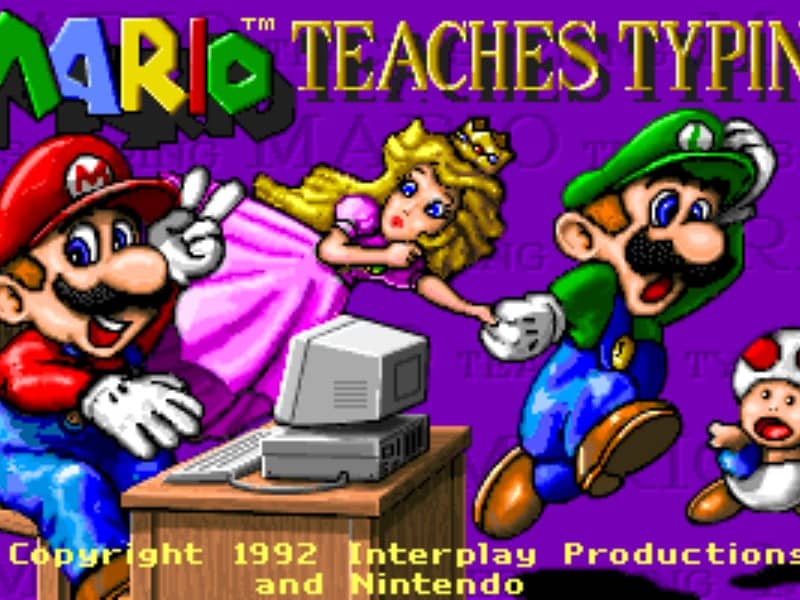
The main objective is to type the characters shown on the screen accurately and quickly to guide Mario and his friends past obstacles. Players can select from several different mini-games of varying difficulty. In the simpler levels, you type single letters to help Mario smash blocks or stomp on enemies like Goombas and Koopa Troopas. As you advance to harder levels, you must type full words and complete sentences to help Mario swim through the ocean or run through a dangerous castle. To succeed, focus on proper hand placement on your physical keyboard. The game displays on-screen hands to guide your finger positions and teach you touch typing. In the early stages, prioritize accuracy over speed to build muscle memory. As you transition to full sentences, focus on maintaining a steady typing rhythm to help Mario smoothly jump over hazards, evade traps, and complete his quest before the timer runs out.
게임 정보
Mario Teaches Typing 온라인 플레이 - DOS 버전 자주 묻는 질문
Mario Teaches Typing을 무료로 온라인 플레이할 수 있나요?
네. 별도의 다운로드 없이 GGEMU 브라우저에서 Mario Teaches Typing을 무료로 온라인 플레이할 수 있습니다.
Mario Teaches Typing을 모바일에서 플레이할 수 있나요?
네. GGEMU를 통해 모바일 기기와 데스크톱 브라우저에서 모두 Mario Teaches Typing을 플레이할 수 있습니다.
Mario Teaches Typing의 진행 상황을 저장할 수 있나요?
네. Mario Teaches Typing은 GGEMU의 로컬 세이브 스테이트를 지원합니다. GGEMU Premium 회원은 클라우드 저장도 이용할 수 있습니다.
Mario Teaches Typing을 플레이하려면 에뮬레이터나 전용 하드웨어가 필요한가요?
아니요. Mario Teaches Typing은 GGEMU 브라우저에서 실행되므로 별도의 DOS 환경이나 에뮬레이터가 필요하지 않습니다.
Mario Teaches Typing을 전체 화면으로 플레이할 수 있나요?
네. Mario Teaches Typing은 GGEMU의 전체 화면 모드를 지원해 더욱 몰입감 있게 즐길 수 있습니다.
Mario Teaches Typing을 게임패드나 컨트롤러로 플레이할 수 있나요?
네. 호환되는 컨트롤러를 연결하면 GGEMU에서 게임패드로 Mario Teaches Typing을 플레이할 수 있습니다.