Как играть
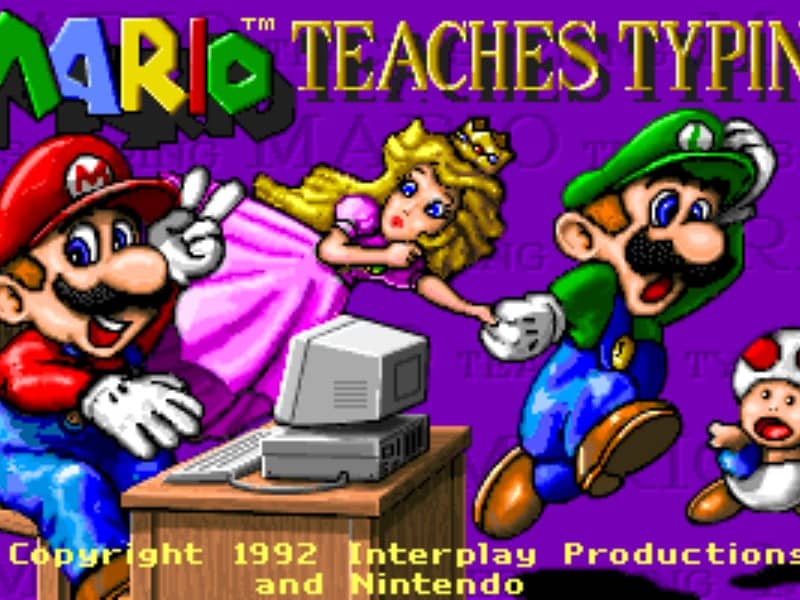
The main objective is to type the characters shown on the screen accurately and quickly to guide Mario and his friends past obstacles. Players can select from several different mini-games of varying difficulty. In the simpler levels, you type single letters to help Mario smash blocks or stomp on enemies like Goombas and Koopa Troopas. As you advance to harder levels, you must type full words and complete sentences to help Mario swim through the ocean or run through a dangerous castle. To succeed, focus on proper hand placement on your physical keyboard. The game displays on-screen hands to guide your finger positions and teach you touch typing. In the early stages, prioritize accuracy over speed to build muscle memory. As you transition to full sentences, focus on maintaining a steady typing rhythm to help Mario smoothly jump over hazards, evade traps, and complete his quest before the timer runs out.
Информация об игре
Играть в Mario Teaches Typing онлайн — вопросы и ответы о версии для DOS
Можно ли бесплатно играть в Mario Teaches Typing онлайн?
Да. В Mario Teaches Typing можно бесплатно играть онлайн прямо в браузере на GGEMU, ничего не скачивая.
Можно ли играть в Mario Teaches Typing на телефоне?
Да. Через GGEMU в Mario Teaches Typing можно играть как на мобильных устройствах, так и в браузерах на компьютере.
Можно ли сохранить прогресс в Mario Teaches Typing?
Да. Mario Teaches Typing поддерживает локальные быстрые сохранения на GGEMU. Участникам GGEMU Premium также доступны облачные сохранения.
Нужен ли эмулятор или специальное оборудование, чтобы играть в Mario Teaches Typing?
Нет. Mario Teaches Typing запускается в браузере на GGEMU, поэтому отдельная среда DOS или эмулятор не нужны.
Можно ли играть в Mario Teaches Typing в полноэкранном режиме?
Да. Mario Teaches Typing поддерживает полноэкранный режим на GGEMU для более полного погружения в игру.
Можно ли играть в Mario Teaches Typing с геймпадом или контроллером?
Да. Если подключить совместимый контроллер, в Mario Teaches Typing на GGEMU можно играть с геймпадом.