How to play
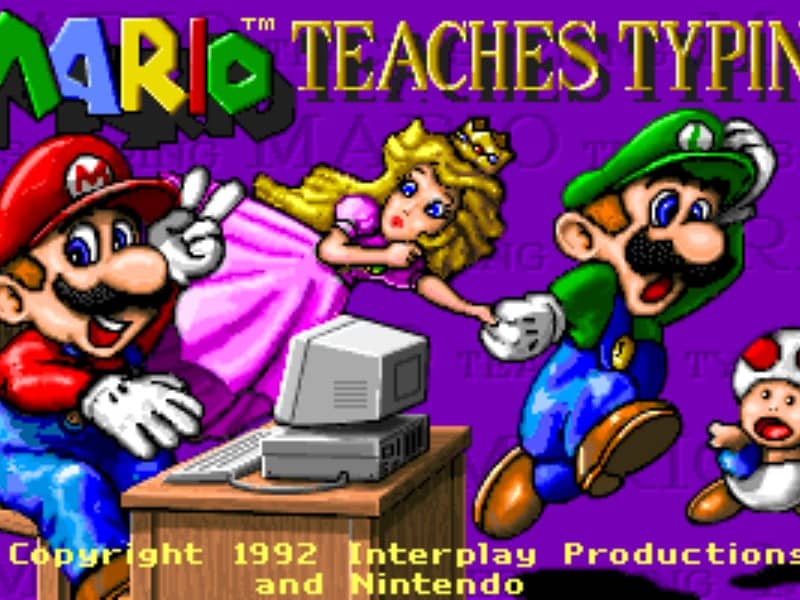
The main objective is to type the characters shown on the screen accurately and quickly to guide Mario and his friends past obstacles. Players can select from several different mini-games of varying difficulty. In the simpler levels, you type single letters to help Mario smash blocks or stomp on enemies like Goombas and Koopa Troopas. As you advance to harder levels, you must type full words and complete sentences to help Mario swim through the ocean or run through a dangerous castle. To succeed, focus on proper hand placement on your physical keyboard. The game displays on-screen hands to guide your finger positions and teach you touch typing. In the early stages, prioritize accuracy over speed to build muscle memory. As you transition to full sentences, focus on maintaining a steady typing rhythm to help Mario smoothly jump over hazards, evade traps, and complete his quest before the timer runs out.
Information
Play Mario Teaches Typing Online - DOS FAQ
Can I play Mario Teaches Typing online for free?
Yes. You can play Mario Teaches Typing online for free in your browser on GGEMU, with no download required.
Can I play Mario Teaches Typing on mobile?
Yes. You can play Mario Teaches Typing on mobile devices and desktop browsers through GGEMU.
Can I save my progress in Mario Teaches Typing?
Yes. Mario Teaches Typing supports local save states on GGEMU. Cloud saves are also available to GGEMU Premium members.
Do I need an emulator or special hardware to play Mario Teaches Typing?
No. Mario Teaches Typing runs in your browser on GGEMU, so you do not need a separate DOS environment or emulator.
Can I play Mario Teaches Typing in fullscreen mode?
Yes. Mario Teaches Typing supports fullscreen mode on GGEMU for a more immersive experience.
Can I play Mario Teaches Typing with a gamepad or controller?
Yes. Mario Teaches Typing supports gamepad controls on GGEMU when a compatible controller is connected.